

TL;DR: The API Cheat Sheet
-
What is it? An API is just a digital "waiter" that passes information between two apps.
-
Do I need to code? No. Most business tools use "no-code" connectors like Zapier or Make.
-
Is it safe? Yes, it is often safer and more secure than manual data entry.
-
Where to start? Look for "Integrations" in your software settings menu today.
When Tech Terms Make You Feel Like an Outsider
Have you ever looked at a software dashboard and felt like you were trying to read a map in a language you don't speak? It’s not just you. We have all been there, nodding along in meetings while the term "API" gets tossed around like everyone knows exactly what it means. If you're tired of feeling like the only person in the room not "getting" it, you’re in the right place. Let’s drop the jargon and figure out how to make your software talk to each other, without needing a degree in computer science.
I went home that day and felt frustrated. I didn't want to learn how to code. I didn't want to build software. I just wanted my current tools to talk to each other so I could stop manually typing the same data into three different programs. I was tired of being the middleman for my own software.
If you have ever felt this way, you are not alone. Most business owners and professionals today are expected to be semi-experts in software, yet no one takes the time to explain the basics without using complicated jargon. It feels like everyone is building these sophisticated digital offices, but we were never given the instruction manual.
Your peace of mind shouldn't depend on whether you understand how a developer works. It should depend on knowing how to get your systems to do the heavy lifting for you. Today, we are going to strip away the tech talk. We are going to look at what APIs actually are, how they help you, and why they are the secret to a stress-free digital workday.
We are going to fix that feeling of being an outsider. By the end of this, you will be the person in the meeting who understands exactly how your tools are connected. No coding required, I promise.
The Secret Language of Software Connectivity
Think of an API as a waiter in a restaurant. This is the most famous analogy because it works perfectly. You are the customer sitting at the table, and the "API" is the waiter who takes your order to the kitchen.
In this scenario, the kitchen is the software program. It has all the ingredients, the chefs, and the processes to cook your meal. You don't go into the kitchen yourself. You don't need to know how the stove works or how the ingredients are sourced.
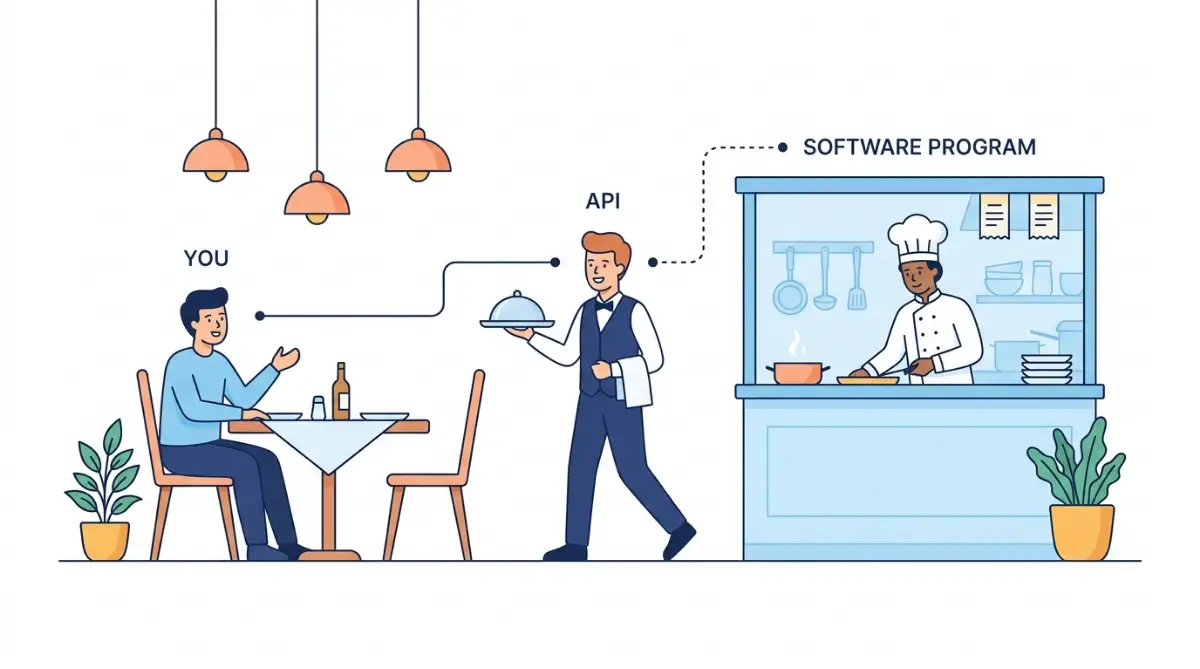
You just give your order to the waiter. The waiter takes that request, tells the kitchen what to do, and brings back the finished dish to your table. That waiter is the interface. It connects the two parties without the customer needing to be a chef.
 Why Your Software Needs a Messenger
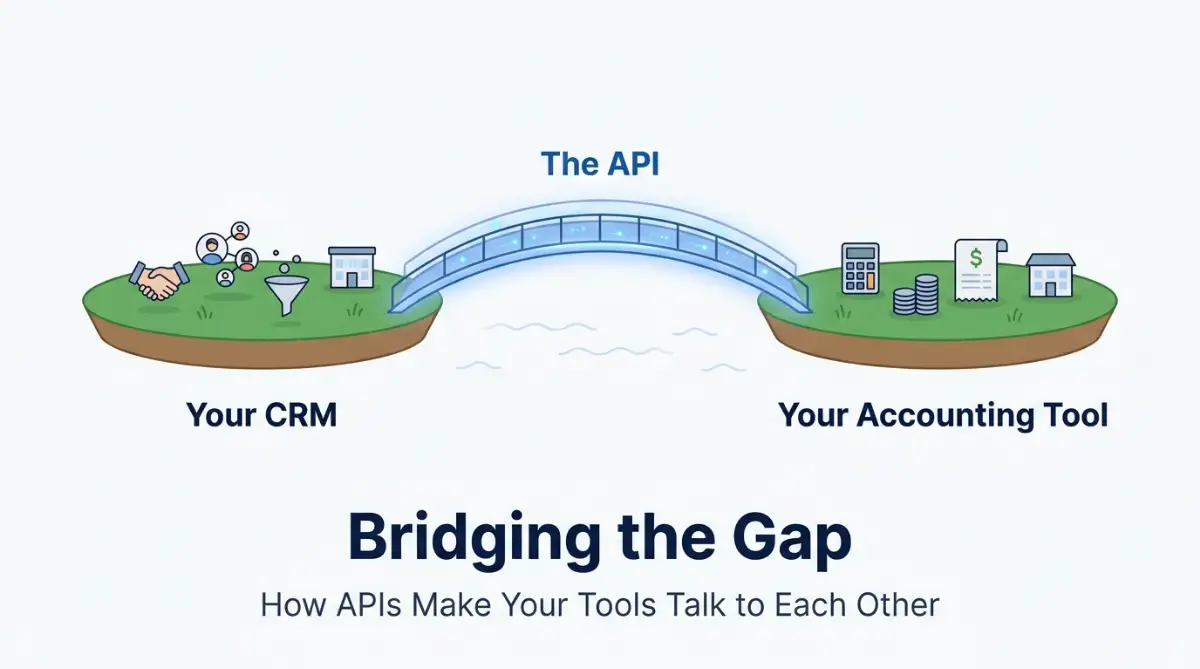
Software programs are built to be self-contained boxes. A CRM (Customer Relationship Management) system is great at tracking client names and phone numbers. An accounting tool is great at tracking invoices and payments.
But these two programs don't naturally know the other one exists. They are like two people sitting in different rooms, unable to speak the same language. This is where the API comes in.
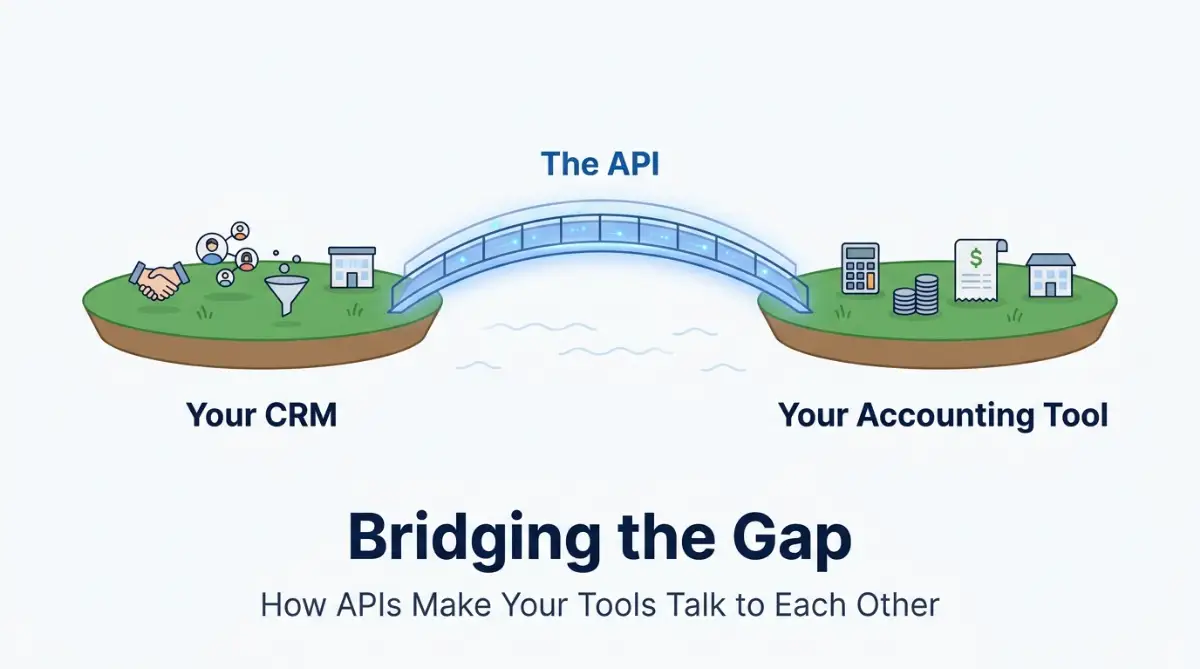
It acts as that messenger. When you want your CRM to tell your accounting software that a new client has signed up, the API carries that information. It delivers the "order" from one system to the other. Without this messenger, you have to be the one running between the rooms, shouting the information back and forth.
 Real-World Examples You Already Use
You actually use APIs every single day without realizing it. Think about when you book a flight on a travel comparison website. You enter your destination and dates, and the site shows you prices from twenty different airlines.
How does the site know the prices for all those airlines? It doesn't have a direct line to every airline's internal database. It uses APIs. The travel site sends a request to each airline's "waiter"—the API—asking for the latest prices.
The airline's API checks their system, gets the price, and delivers it back to the travel site. It happens in the blink of an eye. You see the result, and you never had to visit twenty different airline websites yourself. This is exactly what APIs do for your business software.
Why This Matters for Your Business
This is slow, it is prone to errors, and it is exhausting. When you understand that an API is just a connection point, you stop looking at your software as isolated apps. You start looking for ways to connect them.
You stop buying tools based on "what can this do alone?" and start asking "how well does this play with others?" This shift in perspective is what changes you from a user to a manager of your technology stack.
Before we go into the technical side, watch this video to see how modern tools use these connections to save thousands of hours every year.
Understanding the workflow behind these connections will help you spot opportunities to automate your own tasks right now.
Taking Control of Your Digital Ecosystem
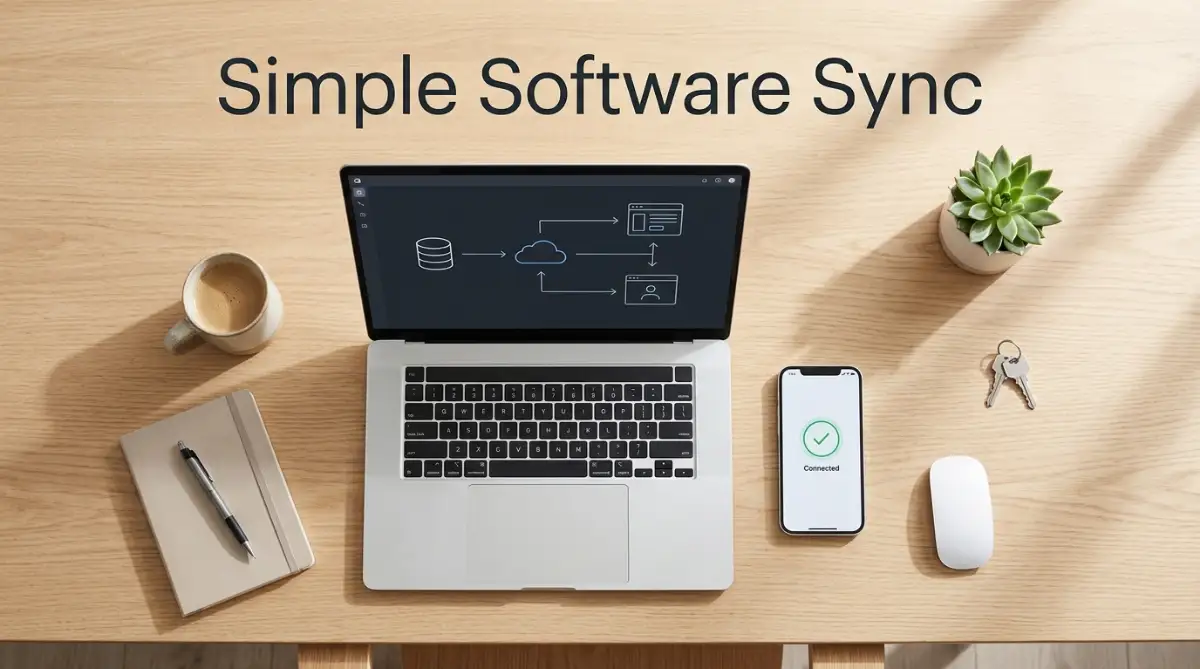
Now that you understand what an API is, you might be wondering how to use one without any coding experience. The good news is that you don't need to be a developer to benefit from APIs. Many everyday apps and online tools already use them behind the scenes. You simply need to recognize these connections and learn how to use them to make your digital tools work better together.
Checking If Your Tools Are "Friendly"
Most modern software companies know that users want their tools to connect. They usually advertise the