
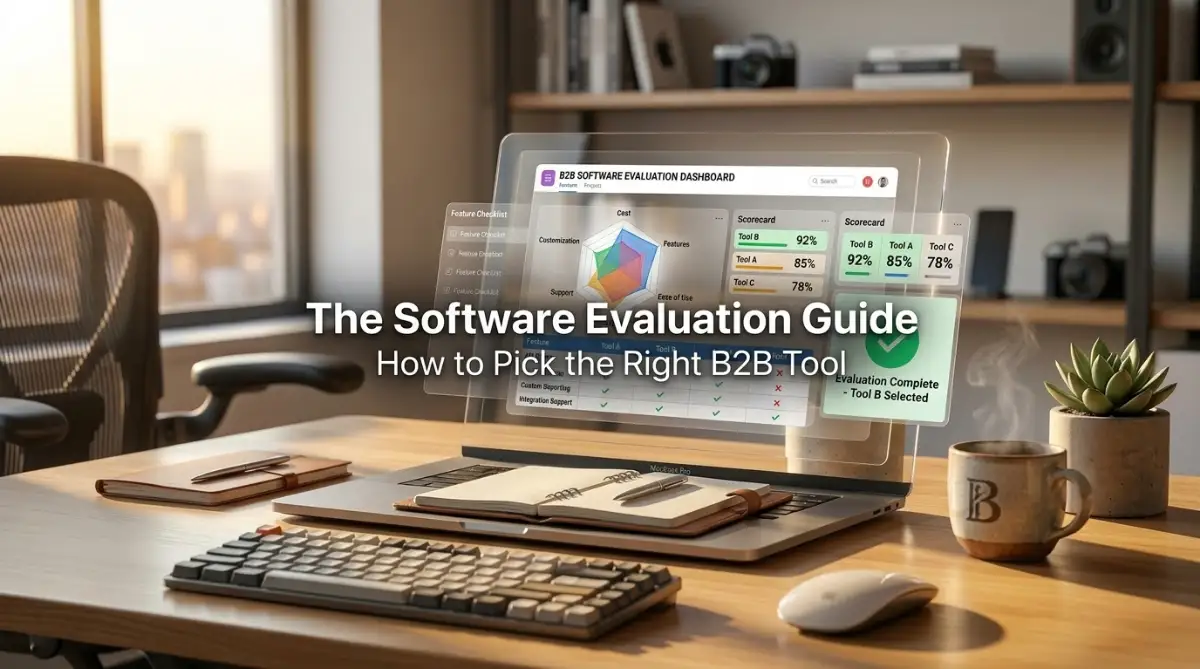
Quick Look: Your Roadmap to Better Work
-
Stop the Bloat: Don't buy software for features; buy it to fix a specific bottleneck.
-
Value Transparency: In remote teams, if you don't share your progress, it didn't happen.
-
Master the Async: Write clearly so your team doesn't need to ask for clarification.
-
Protect Your Energy: Your work setup is your sanctuary—treat it with strict boundaries.
The Reality of Choosing New Business Tools
We have all been there: staring at a screen, waiting for a tool to load, or feeling completely overwhelmed by a mountain of digital tasks. You aren't just looking for software or a better routine; you are looking for clarity. My goal here is simple: to help you cut through the noise, fix your workflow, and stop the cycle of digital burnout so you can actually enjoy the work you do.
Three months later, the excitement had completely vanished. The tool was too complicated for half the team to use, it didn't talk to our accounting software, and we were paying for features we never touched. I sat in a meeting watching my best employees struggle with a system that was supposed to make their lives easier. It was painful.
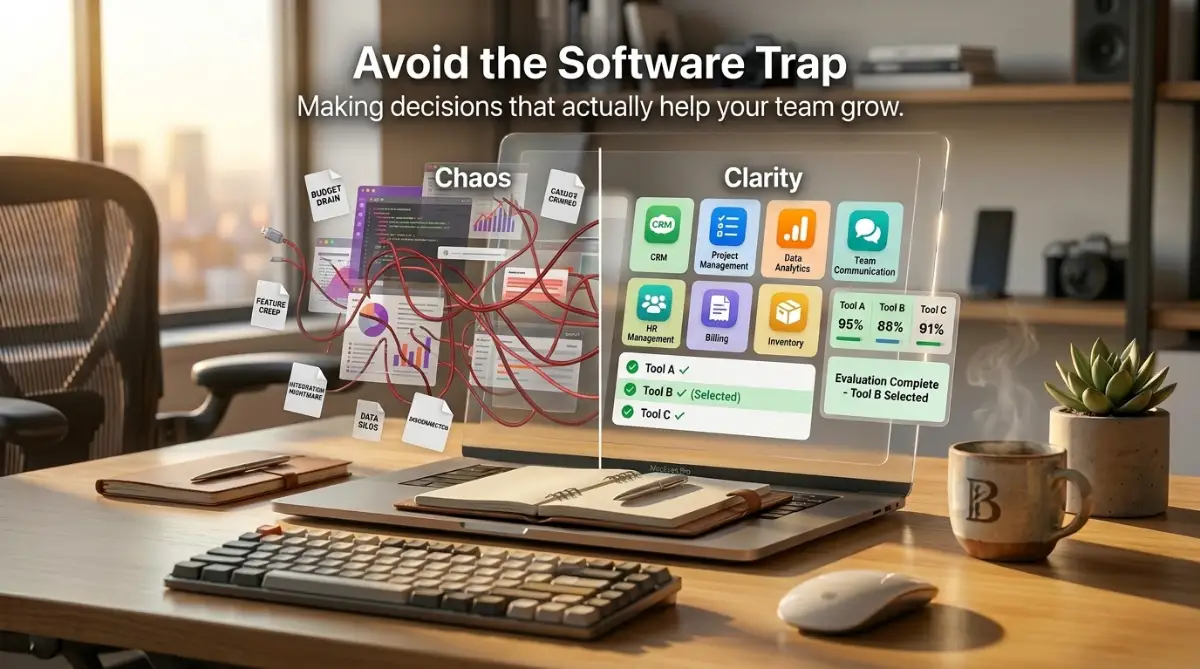
We realized that we had fallen into the "shiny object" trap. We looked at the features, but we didn't look at how the software actually fit into our daily work. We didn't check if it was secure enough for our sensitive data. We completely ignored the hidden costs that started showing up in the second month.
I learned the hard way that picking software isn't just about the cool interface. It is about how that tool affects your people, your security, and your bottom line. If you are reading this, you are probably feeling that same pressure I felt. You want to make the right choice, but there are so many options that it feels overwhelming.
Let's change that right now. We are going to walk through a simple, effective way to evaluate software so you don't end up with an expensive tool that nobody uses. No fluff, no sales pitch—just the practical steps you need to make a smart decision for your team.
Defining Your Needs Beyond the Sales Pitch
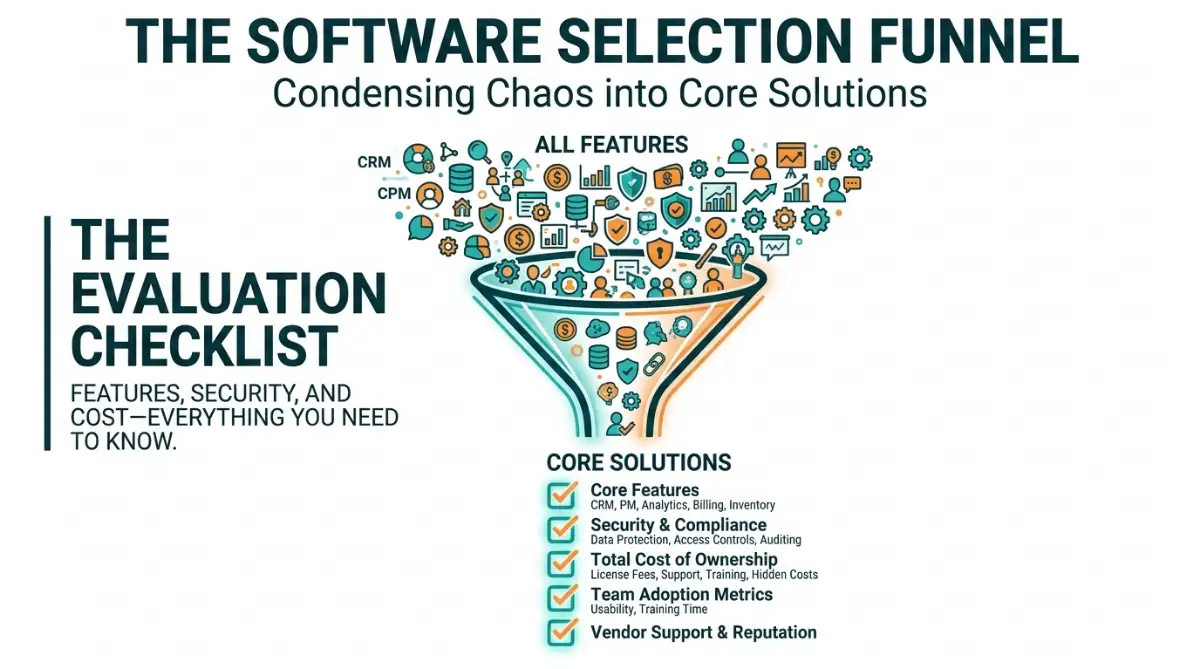 Before you even open a list of software options, you need to stop. Most teams make their first mistake by starting with "software features" instead of "business problems." If you search for tools because you think you "need" an upgrade, you will inevitably pick something that doesn't fix the real issue.
The Problem Discovery Phase
Start by talking to the people who will actually use the software every day. I made the mistake of picking a tool based on what I thought we needed, but my team had a completely different set of frustrations. Ask them: "What is the one thing that slows you down the most during the day?"
Focus on the bottlenecks. Is it the time spent moving data between apps? Is it the difficulty of finding files? Is it the lack of clear reporting? Write these down. These are your "must-have" requirements. If a software doesn't solve these specific problems, it doesn't matter how fancy the interface is.
 Building Your Functional Requirements
The "Must-Have" vs. "Nice-to-Have" Decision Matrix
Once you know the problems, list the absolute must-haves. This is your "Feature Priority List." Most buyers get distracted by the long list of extra features that look impressive but don't do anything for their bottom line.
Pro Tip: I once disqualified a high-end software because it had a really cool "social media integration" that we didn't need, but it lacked a basic "user permission" setting that we absolutely required. Stick to your list. If the tool can't handle the core workflow, it doesn't matter what else it can do.