
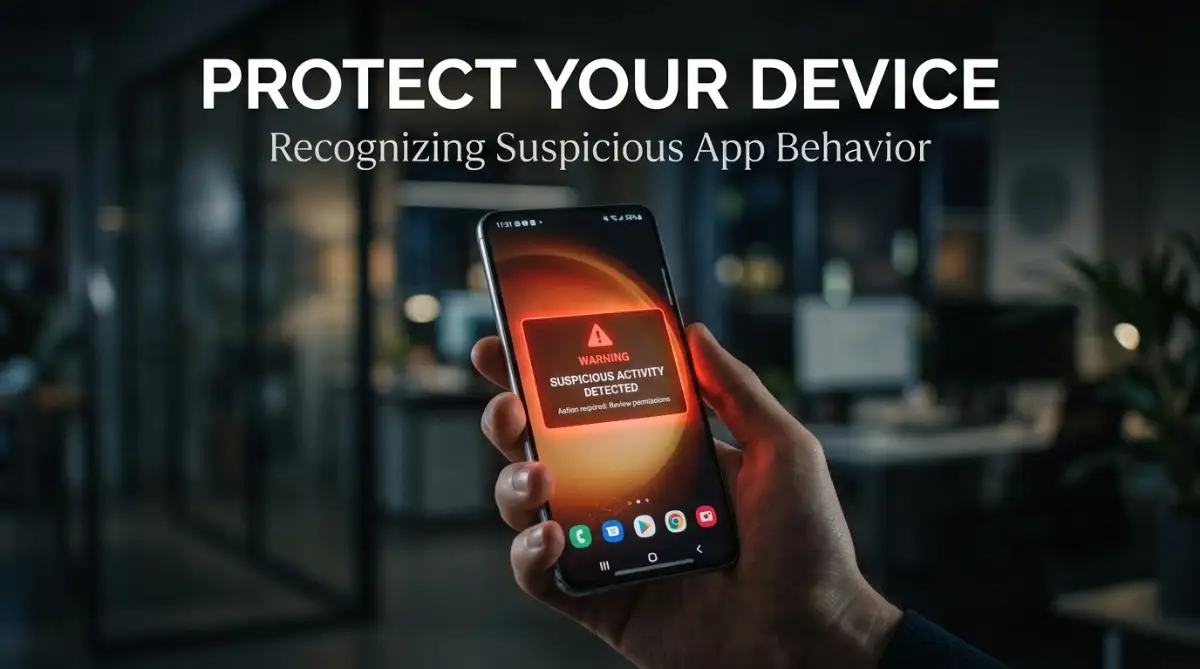
The Night My Phone Started Acting Like a Stranger
We have all had that moment—you’re minding your own business, scrolling through a feed, when suddenly your phone starts behaving like it has a mind of its own. Maybe the screen flickers, or your battery drops 20% in just a few minutes. It feels like your privacy has been invaded, and honestly, it is a frightening experience. Let’s stop guessing and look at how to actually spot the signs of a rogue app before it ruins your digital life.
My stomach dropped when I realized what was happening. I had installed a free "utility" app a few days prior, thinking it was harmless, and now that app was basically holding my phone hostage. I felt invaded, annoyed, and honestly, pretty embarrassed that I had let this happen. I spent the next three hours trying to scrub the malware, change my passwords, and fix the mess. It wasn't just about the phone; it was about the sense of security I had lost.
You shouldn't have to be a computer scientist to keep your phone safe. You just need to know what to look for, and more importantly, how to listen to what your phone is trying to tell you. It is all about paying attention to the small changes in behavior. If you notice these shifts early, you can stop a problem before it takes root.
Let’s talk about how to spot these issues, why they happen, and what you can do to reclaim your Android device. It is a simple process once you know the signs. You have the power to protect your data, your privacy, and your peace of mind.
TL;DR: Your Android Security Cheat Sheet
-
Trust Your Battery: If your phone is hot while idle, an app is likely running wild in the background.
-
Audit Permissions: If an app asks for access to data it doesn't need (like contacts for a flashlight), deny it immediately.
-
Safe Mode is Your Friend: Use it to remove stubborn apps that won't let you uninstall them normally.
-
Delete "Boosters": Never use apps that promise to "speed up" your phone; they are usually just bloatware.
Reading the Signs of a Compromised Device
App Health Diagnostic Table
Your phone communicates with you in subtle ways every single day. Most of us ignore these signals, thinking they are just part of the "wear and tear" of owning a digital device. But some of these signs are actually red flags.
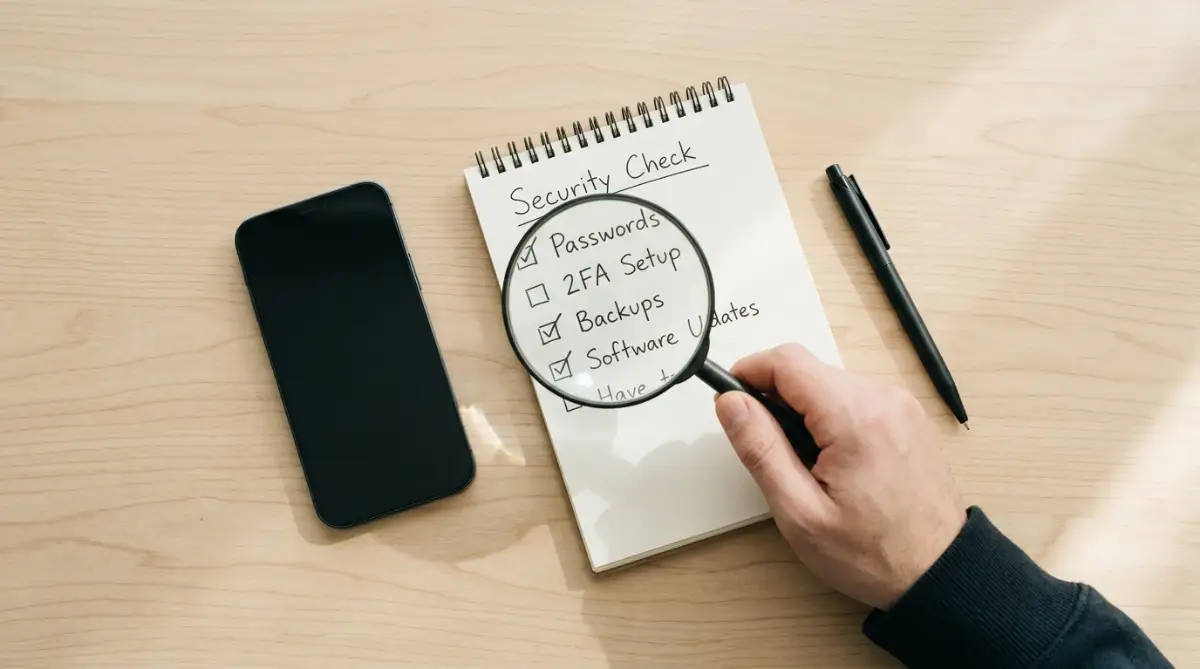 The Mystery of the Draining Battery
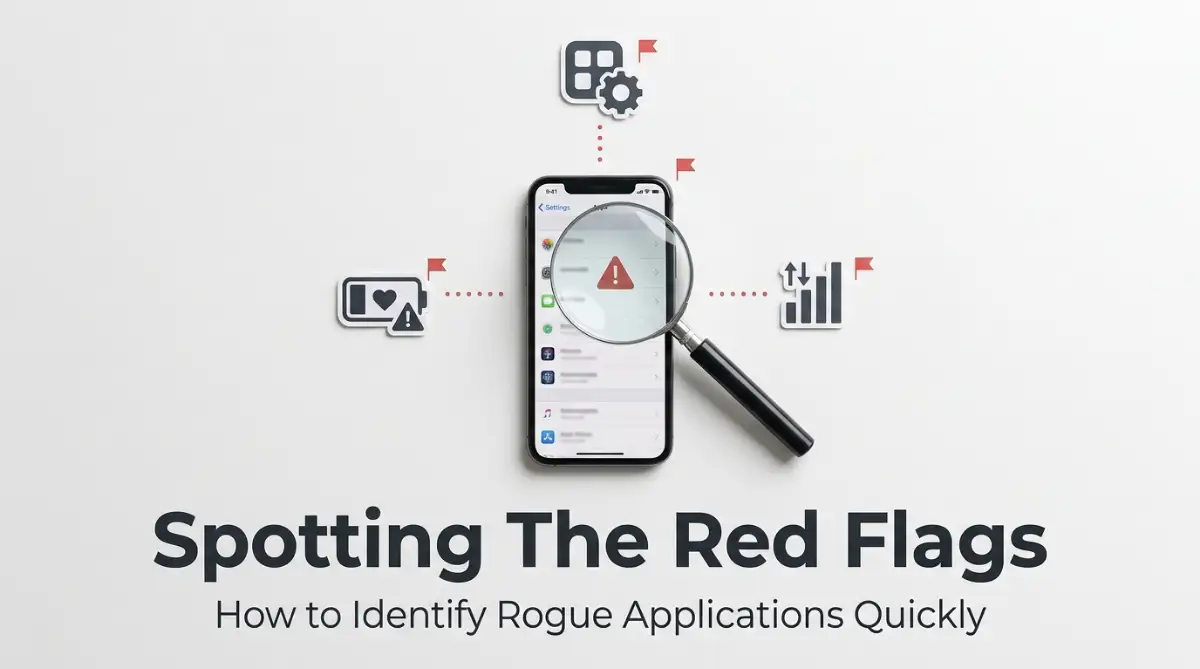
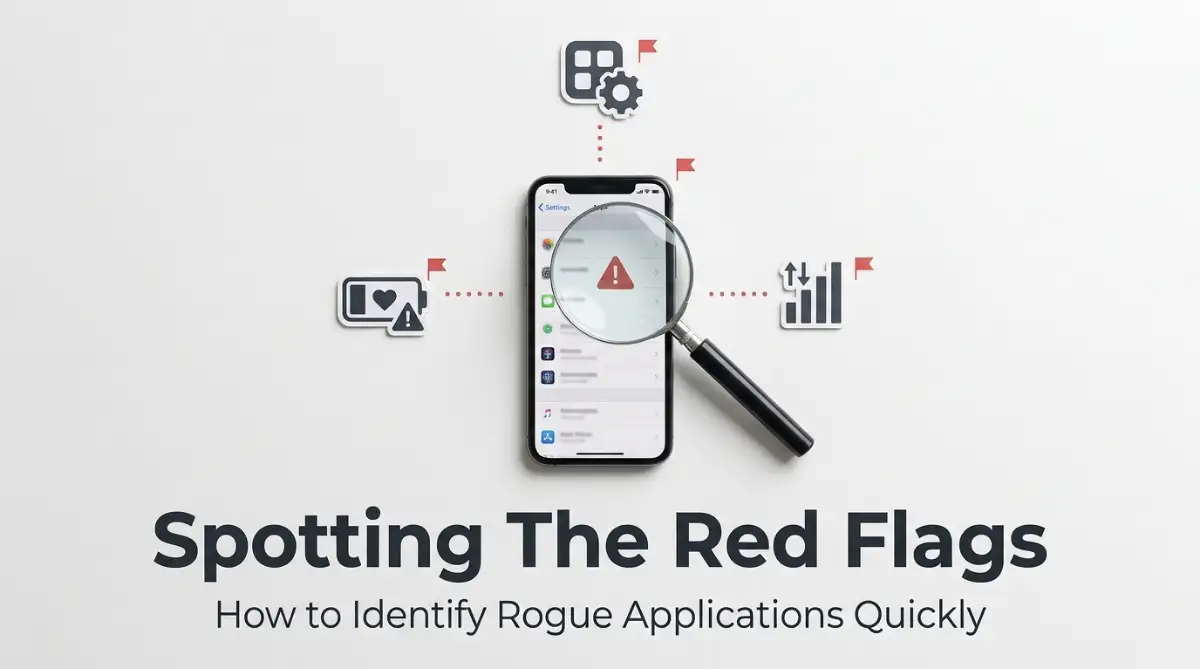
Have you noticed your battery life plummeting without any change in your usage habits? We all know that batteries age, but a sudden drop is rarely about the battery's health. It is usually about what is running in the background while you sleep.
Malicious apps love to work while you aren't looking. They might be mining for data, sending your location to a server, or just running unnecessary processes to serve ads. If your phone is hot to the touch while sitting idle on your desk, that is a major warning.
Check your battery settings to see which apps are consuming the most power. If you see an app that you rarely use at the top of that list, be suspicious. That app is likely doing more than just waiting for you to open it.
 Unexpected Data Spikes
Our phones are constantly using data, but we usually have a sense of our baseline. If you receive a notification from your carrier that you have used most of your monthly data in just a few days, something is wrong. Bad apps need a way to communicate with their creators.
They send your contact lists, photos, or browsing history back to a home base. This process requires a steady stream of data. If you are not streaming movies or downloading massive files, that data usage is coming from somewhere else.
Go into your settings and look at your data usage by app. Does a calculator app really need to use 500MB of data? If the answer is no, you have found your culprit.