
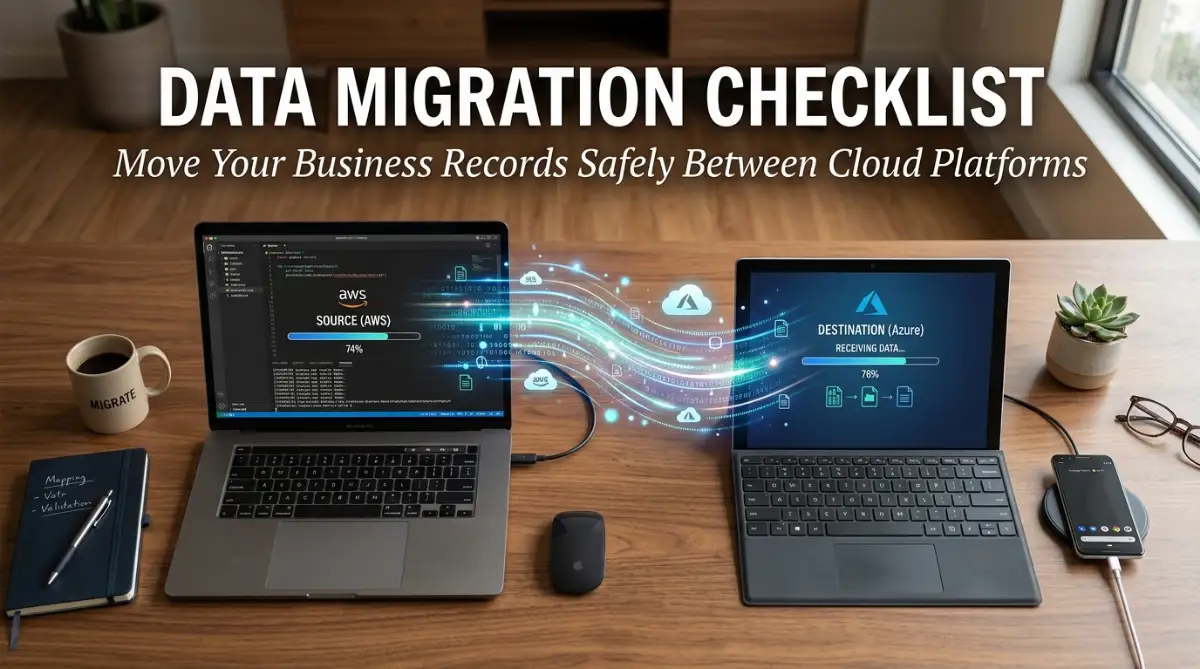
The Panic of the "Vanishing" Files
We have all felt that pit in our stomach when a file doesn't open. But nothing beats the panic of losing an entire database during a migration. It doesn't have to be a nightmare, though. Moving your business to a new platform is mostly about preparation, not luck. Here is how you can move your data without losing your mind.
When I finally refreshed the page, the new dashboard loaded, but it looked... empty. The hundreds of project folders I had spent years meticulously organizing were gone. My stomach dropped, and I felt that familiar, heavy dread that only comes when you realize you have made a massive mistake.
I had been so focused on the features of the new software that I had treated the actual migration as a "one-click" afterthought. I assumed the system would just handle it, like moving files from one folder to another on my desktop. I was wrong, and for the next three days, my team and I had to manually recreate hundreds of entries from fragmented emails and local backups.
In reality, moving data is more like moving a house, not a digital file. You are not just dragging and dropping; you are deconstructing your business, packing it into a different format, and hoping that the new system understands what you put in the boxes.
When things go wrong, it isn't just about the lost time or the frustration of fixing the errors. It is the impact on your peace of mind and your team's trust in the systems you choose. We rely on these tools to manage our livelihood, so when they fail, the stress is real and immediate.
If you are thinking about switching platforms, you are probably feeling a mix of excitement for the new features and fear about the process. That is a completely normal reaction. You don't have to be a tech expert to do this right, but you do need to stop treating your data like it’s invincible.
The truth is, migration problems are usually preventable. They happen because we rush the planning phase or ignore the small details. Let’s make sure you don't end up in that same position I was in.
Quick Action Plan:
-
Clean Before You Move: Don't pay to migrate digital clutter or old junk files.
-
The Golden Rule: Always keep three independent backups before you touch a single setting.
-
Test Small: Never migrate your entire database at once. Run a 10-record test first.
-
Verify Everything: Check your total record counts after the import to ensure nothing vanished.
Building Your Migration Foundation
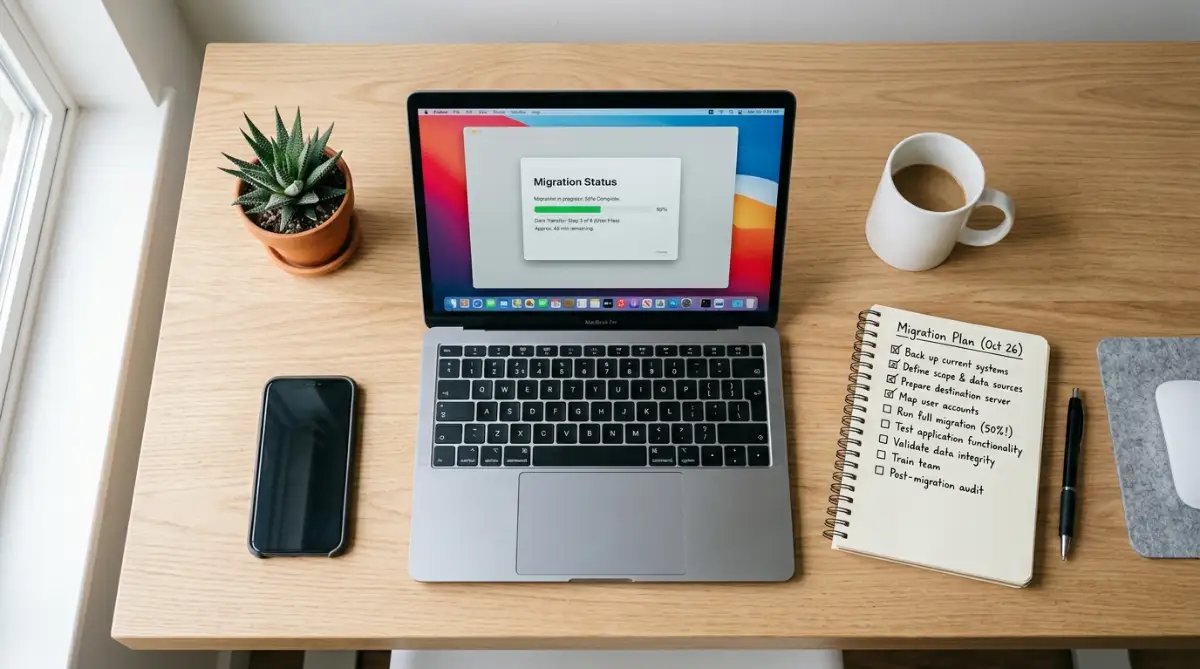
You don't need a massive IT team to move your data, but you do need a plan. Think of this process as an audit of your business life. Before you move, you need to decide what is worth keeping and what is just digital clutter.
Moving data is expensive and time-consuming, so why pay to move "junk" that you don't need? The first step is to sit down and look at what you actually have.
| Step | What to do? | Why? |
| Audit | Delete inactive client profiles. | Saves time and reduces import errors. |
| Mapping | Match old fields to new fields. | Prevents data from landing in the wrong place. |
| Test | Migrate 10 records first. | Catches mistakes before they happen at scale. |
Audit Your Current Records
Start by creating a simple inventory of your current software. What is in there? Are there old client profiles from five years ago? Are fthere incomplete projects that are never going to be finished?
This is your chance to delete the noise. If you migrate records that you never use, you are just filling up your new, faster system with useless information.
You want to bring over only the active, healthy data. If you have files that are corrupted or formatted in a way the new system won't understand, leave them behind or save them to a permanent archive.
Understand Your New Home
Every cloud platform has its own "language." Some software uses standard CSV files to import data, while others require specific JSON formats or API connections. You need to read the documentation for your new software before you do anything else.
Don't guess how the import works. Go to their help center and look for "Import Guide." If you see terms you don't understand, don't ignore them.
Ask a support rep from the new company, "What is the most common reason imports fail for people in my industry?" Their answer will likely give you the roadmap for your own migration.
The "What If" Q&A: