
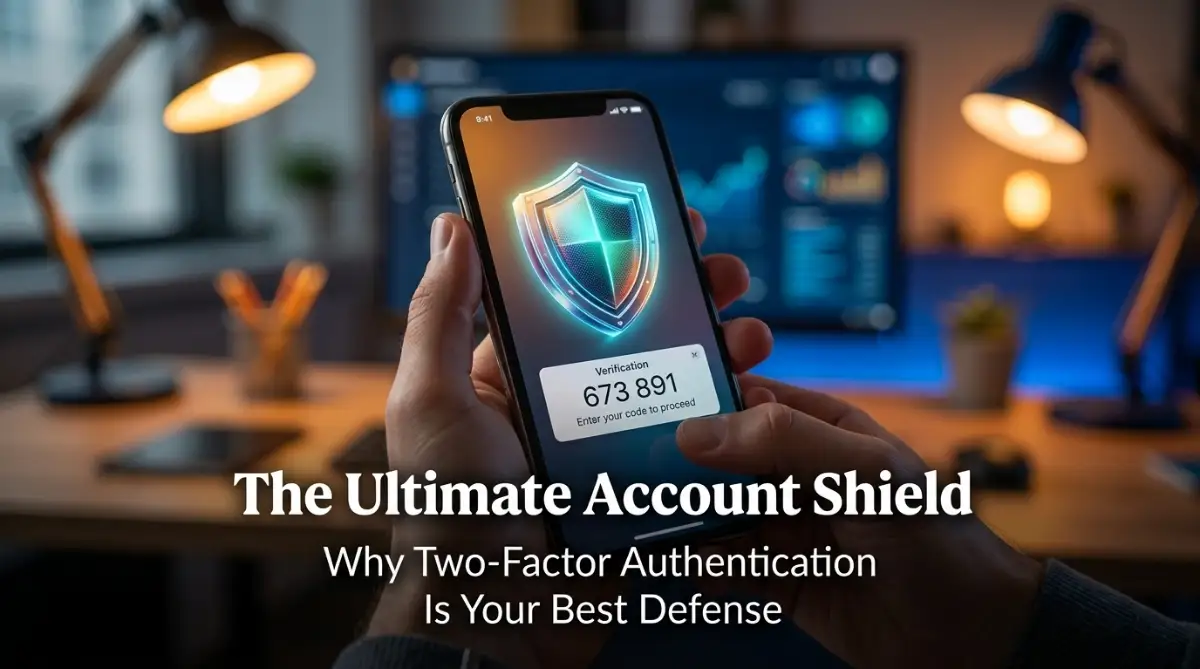
Quick Summary: Why You Need 2FA Today
-
Passwords are not enough: Hackers use automated tools to guess them instantly.
-
The 2FA Safety Net: Even if your password leaks, your account stays locked unless the attacker has your physical phone.
-
Apps over SMS: Always prefer Authenticator Apps instead of Text Messages for better security.
-
Backup is mandatory: Never enable 2FA without saving your recovery codes, or you might lock yourself out forever.
The Moment Your Security Fails
Imagine typing your password on a Tuesday morning, only to see "Incorrect Password" flashing in red. You know you typed it right. But in a split second, your access is gone. This happens to thousands of people every day, and it is a wake-up call that a password alone is no longer enough to keep your digital life safe. Let’s look at how adding a simple second layer—Two-Factor Authentication—can stop hackers cold.
I froze. I knew I had typed it correctly. I tried again, slower this time. Still nothing. My heart started to race as I realized the worst-case scenario was happening. Someone, somewhere, had guessed my password or bought it off a dark web database leak, and they had locked me out.
I spent the next four hours in a state of pure panic. I was calling support lines, resetting security questions, and feeling completely violated. All my bank alerts, work documents, and personal photos were trapped behind a gate that I no longer controlled. It was a terrifying reality check that taught me a hard lesson: a password is not a vault; it is just a suggestion to a modern hacker.
This struggle is what most people face daily without even realizing it. We walk around with weak security, assuming that "it won't happen to me." But the truth is, hackers are not targeting you specifically; they are casting a wide net, and they catch everyone who leaves their front door unlocked. You deserve better than this constant anxiety. You deserve to know that your digital home is safe, even if someone manages to guess your password.
 Why Your Password Is Just the Beginning
Most of us were taught to create a "strong" password. We use capital letters, symbols, and numbers. We think that makes us invincible. However, hackers have evolved. They use automated software that can test millions of password combinations in seconds.
If you use the same password for your email as you do for your shopping apps, you are at even higher risk. Once a hacker gets one, they try it on everything else you own. This is called credential stuffing. It is a game of probability that they almost always win.
This is where Two-Factor Authentication, or 2FA, comes into play. Think of 2FA like a deadbolt on your front door. Your password is the handle lock. Anyone with a skeleton key can pop the handle lock easily. But a deadbolt requires a completely different mechanism to open.
Even if a stranger has your password, they cannot get into your account because they do not have the second "key." That second key is usually something only you possess, like your physical phone or a specific security app. This simple addition shifts the odds entirely in your favor. It turns a vulnerable account into a secure fortress.
Understanding the Two-Key System
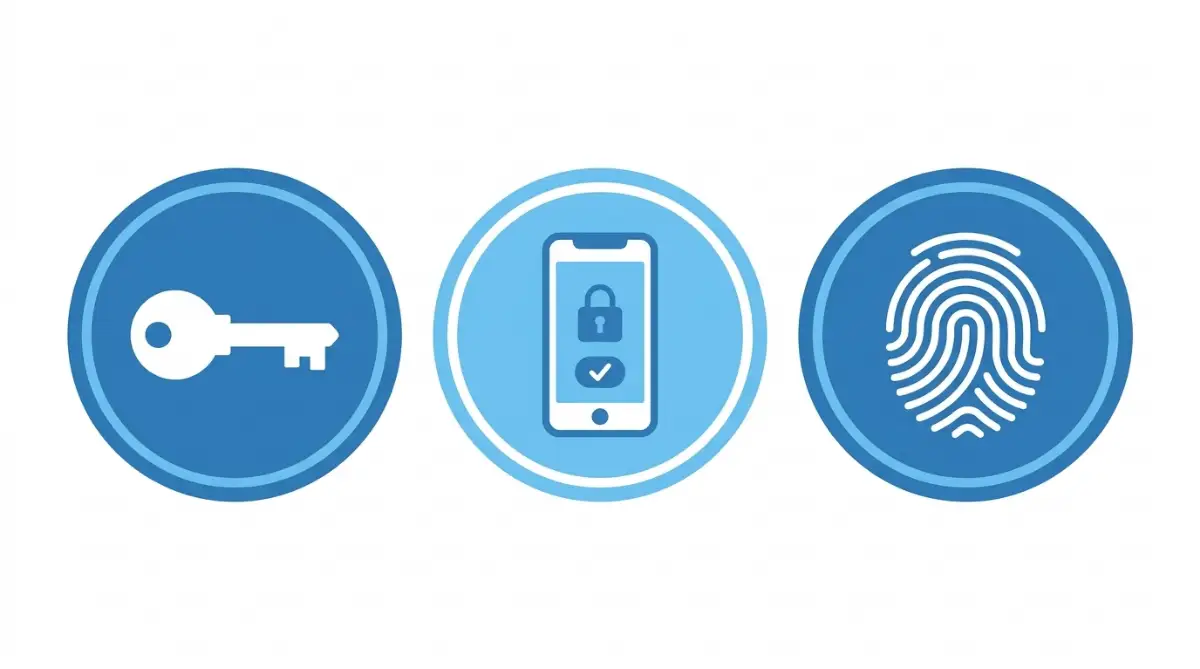
At its core, 2FA works on a simple principle: to get into your account, you must prove your identity in two different ways. The security experts break this down into three categories. You might have seen these described in technical manuals, but let's keep it simple.
The first factor is "Something you know." This is your password. It is knowledge that you store in your head. But as we discussed, memory can be stolen or guessed.
The second factor is "Something you have." This is the game-changer. It could be your smartphone, a physical USB security key, or a code sent to your trusted email. Because a hacker in another country cannot physically hold your phone, they are stopped in their tracks.
There is also a third factor, which is "Something you are." This refers to biometrics like your fingerprint or facial recognition. Combining any two of these creates a security profile that is incredibly difficult to breach. When you turn on 2FA, you are telling your service provider that they should never trust the password alone.
How to Set Up Your Digital Shield
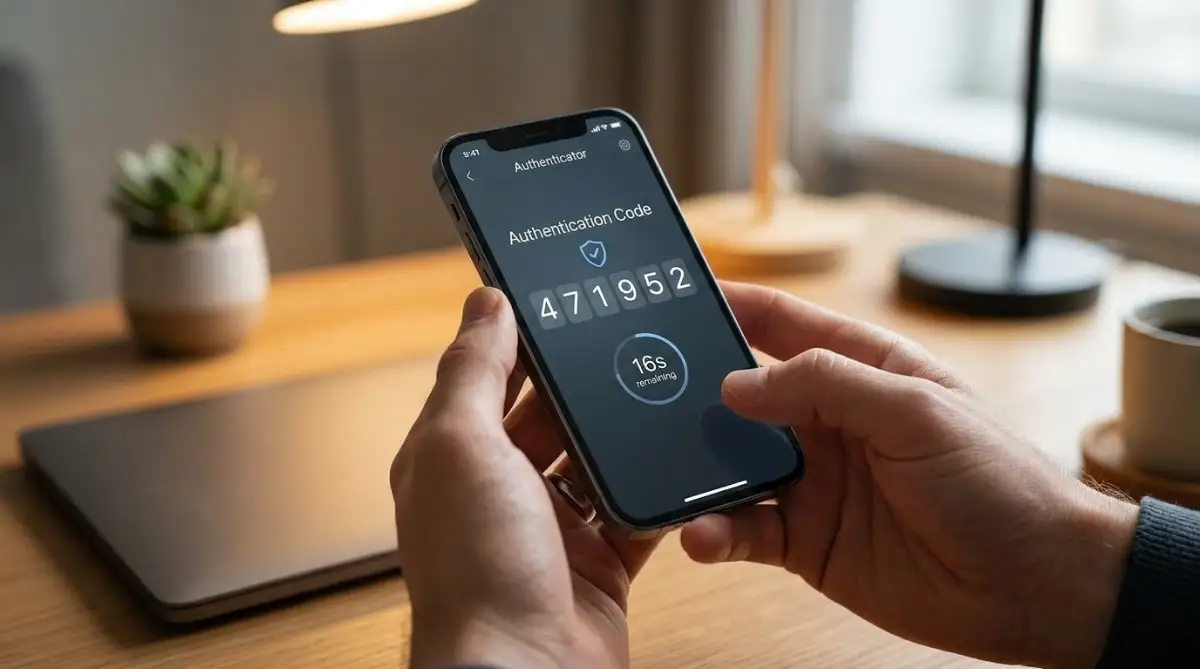
You do not need to be a tech genius to set up 2FA. Most major platforms—your email, your bank, your social media—now offer this feature as a standard option. The process is generally the same across all platforms. You just need to know where to look.
First, log into your account settings. Look for a tab usually labeled "Security," "Privacy," or "Login Settings." Almost every service will have a section dedicated to "Two-Step Verification" or "Two-Factor Authentication."
When you click "Turn On," the app will ask you which method you want to use. You might get a choice between text messages (SMS) or an authentication app. While text messages are better than nothing, they are not the gold standard. A dedicated app like Google Authenticator or Authy is much better.
The app will show you a QR code. Open your authentication app, scan the code, and it will link your account. Now, every time you log in, the app will generate a temporary, 6-digit code. You enter that code, and you are in. It takes an extra three seconds, but it provides peace of mind that lasts a lifetime.
The Pro Tip: My “Lost Phone” Realization
I remember having a real “uh-oh” moment when I first started using 2FA. I was traveling when I accidentally left my phone in the back of a taxi. For a moment, I panicked. My phone was being used for two-factor authentication, so how was I going to get back into my accounts?
That's when I realized I'd overlooked something important: backup codes. Many services provide one-time recovery codes when you set up 2FA. The problem was that I'd saved mine as a screenshot on the same phone I'd just lost. Not exactly the best backup plan.
After that experience, I started keeping recovery codes somewhere separate from my phone, such as in a secure password manager or another protected location. For particularly important accounts, I also make sure I understand the account's recovery options before I actually need them.
The lesson was simple: always have a Plan B. Phones can be lost, stolen, damaged, or simply run out of battery. If your phone is part of your 2FA setup, make sure you have a secure recovery method that doesn't depend entirely on that one device. A few minutes of preparation can save you a lot of frustration later.
Why 2FA Stops Hackers in Their Tracks
To get a better visual on how hackers get blocked by 2FA, watch this video:
This quick explanation shows exactly why your password is not enough and how the extra layer of security effectively locks out intruders instantly.
Many people ask me, "If 2FA is so good, why isn't everyone forced to use it?" The answer is convenience. Most platforms want you to log in as fast as possible so you stay on their site. They do not want to put friction in your way.