
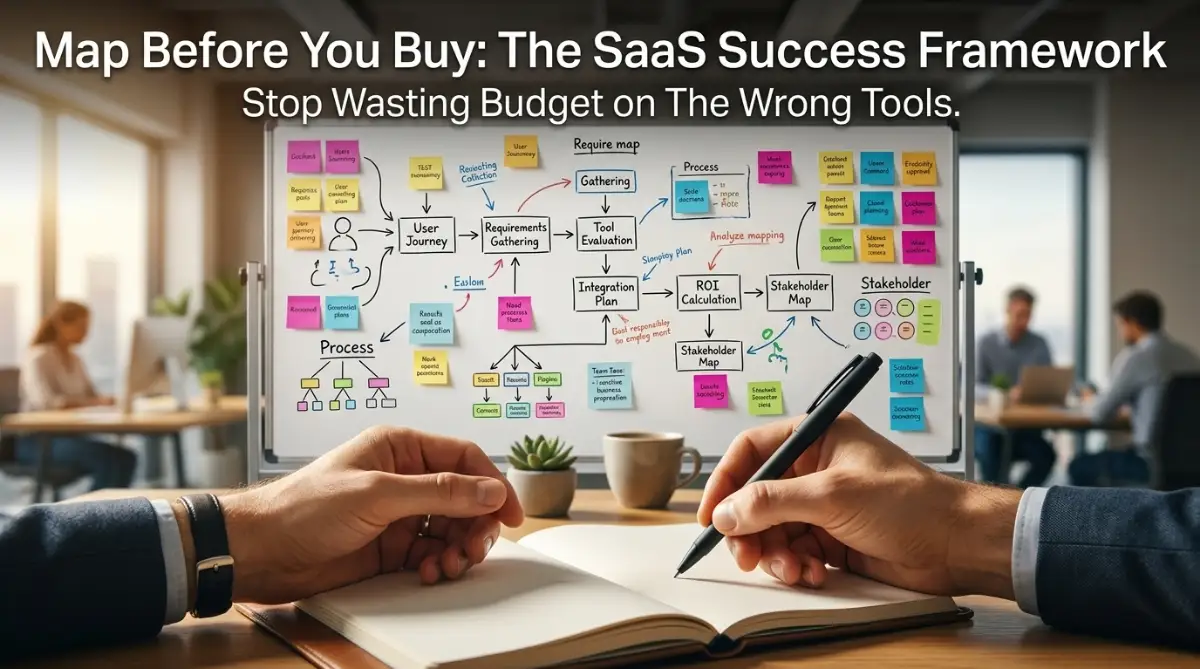
Quick Wins: Stop Guessing, Start Mapping
-
Audit Before Buying: Stop looking at software features until you have physically mapped your current, messy process.
-
Identify the "Value-Add": Distinguish between real work and administrative waste to know what to automate.
-
The Small-Win Rule: Never roll out software to the whole company at once. Test it on one small process first.
-
Treat Docs as Living Things: Your workflow map isn't a one-time task; it needs to change as your business grows.
The Reality Check: Why Your Software Isn't the Problem
We’ve all been there—you buy a shiny new software tool, hoping it will finally fix your messy workflow. A few weeks later? You’re paying a monthly subscription for a tool no one uses, and your team is still drowning in email threads and scattered spreadsheets. Buying software isn't the fix; it's often just adding a layer of digital clutter. If you want real efficiency, you have to stop shopping and start mapping.
You might be in this spot right now. You are tired of the constant "context switching" between apps, the lost files, and the endless meetings just to figure out who is doing what. You look for a piece of software hoping it will organize your team, but you feel scared that it will just be another expensive subscription to ignore.
This is not a reflection of your team's ability. It is a common trap in the B2B world where we prioritize shiny new features over fixing the underlying work habits. We often think that software is the magic wand that will fix a broken workflow. The truth is, software is just a container, and if you pour a chaotic process into a fancy tool, you just get chaotic results.
Most people struggle because they skip the most important step: understanding how work actually happens on the ground. They mistake "activity" for "productivity" and think adding more tools will solve a lack of communication. If you feel like your team is drowning in data but starving for clarity, you are not alone. It is a heavy weight to carry when you feel responsible for driving efficiency, yet everything seems to stay the same.
Mapping Your World: The Path to Clarity
To solve this, we need to stop looking at the software first. Instead, we need to look at the work itself. We need a way to document how tasks move from person to person without being blinded by software features. Let’s break down a simple, effective way to map your processes so you can find the right tool for the job.
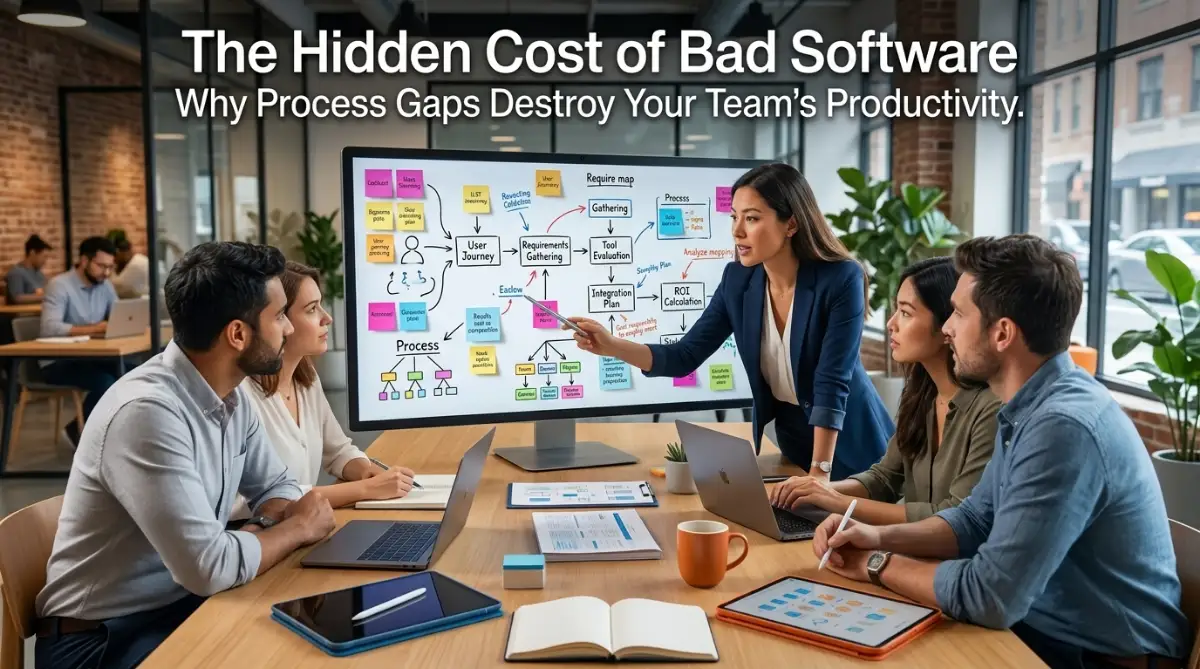 Step 1: The "No-Tool" Audit
Before you even open a browser to search for software, you must conduct a "No-Tool" audit. Gather your team and put a physical whiteboard in front of you. Ask everyone to map out exactly how they complete a specific task from start to finish.
Do not worry about being neat. Just focus on the steps. Who triggers the task? What information do they need? Who do they pass it to next? What is the final deliverable?
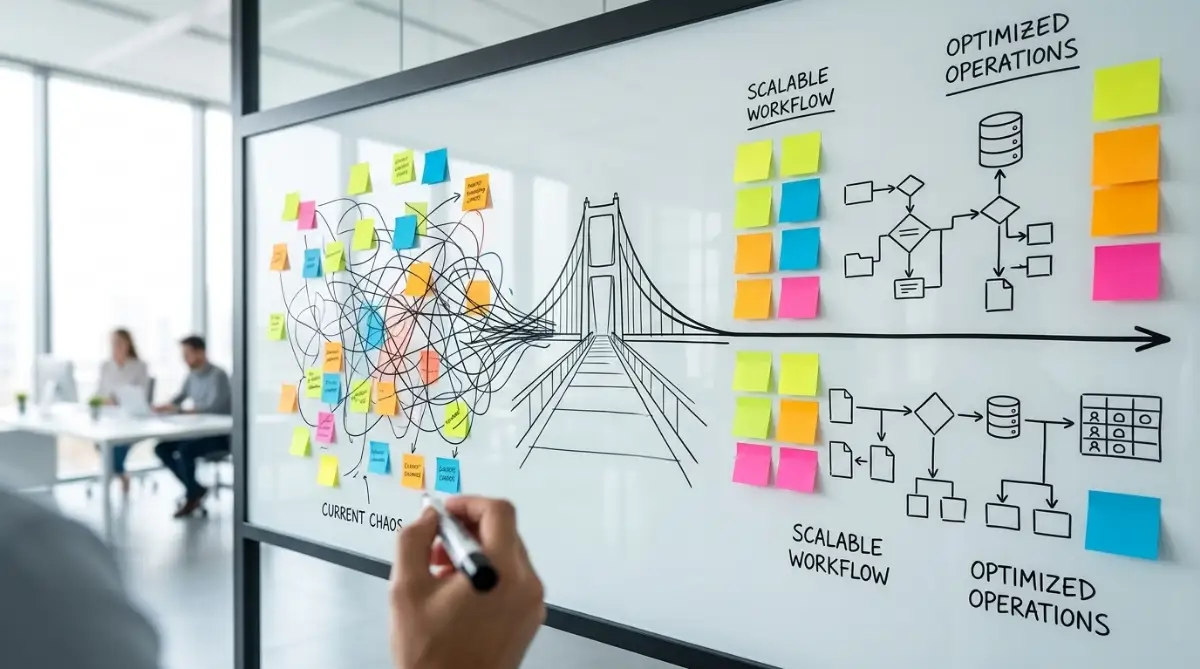
You will likely notice gaps immediately. You might realize that someone is manually copying data from one spreadsheet to another just because the previous step doesn't communicate clearly. This is a "bottleneck." If you buy a complex software package now, you will just be automating that manual copy-paste work instead of eliminating it.
| Current Workflow State | The "Bottleneck" Red Flag | Action Required |
| Manual Data Entry | Typing info in multiple places | Find an integration (Zapier/API) |
| Email-Based Approvals | Waiting 2+ days for replies | Use an automated task trigger |
| Lost Files/Versions | Searching through folders | Centralize with a cloud system |
| No Clear Assignee | "Who is doing this?" confusion | Define roles before the software |
Pro Tip: I once made the mistake of trying to document processes alone in my office. It was a disaster. I left out all the small, annoying "workarounds" my team had created because I didn't see them daily. My advice? Get the people who do the work every day in the room. They know where the real problems are better than any manager.
Step 2: Defining the "Value-Add" Points
Now that you have your messy map on the whiteboard, look for the "value-add" moments. These are the moments where work actually changes shape or moves forward toward a goal. Everything else is either "waste" or "administration."
For example, if a salesperson fills out a contract, that is a value-add step. But if they have to wait for three days for a manager to approve it via email, that waiting time is a bottleneck. When you eventually look for software, you don't need a tool that just stores contracts. You need a tool that automates that specific approval notification so the salesperson isn't stuck waiting.
This perspective changes your shopping list. You stop looking for "all-in-one" platforms and start looking for "process-solvers." By isolating these points, you can clearly see what features are must-haves versus nice-to-haves. This saves you from overpaying for a giant suite of features you will never touch.