
The Hidden Cost of "Free" Apps and Why You Should Be Worried
Have you ever noticed an ad for a product you only just mentioned in passing? It feels like your phone is listening, and honestly, it might be. Most apps are designed to collect far more data than they actually need to function. You don’t have to accept this as 'normal.' Here is how you can stop the data leaks and regain control of your digital privacy in just a few minutes.
That night, I realized how careless I had been with my digital footprint. We treat our smartphones like they are just tools, but they are actually extensions of our lives. They know our habits, our friends, our favorite coffee shops, and even the sounds of our voices. When we blindly hit "Allow" on every permission prompt, we are giving away more than just data. We are handing over the keys to our digital kingdom to companies that often prioritize profit over our peace of mind.
This isn't just about privacy; it's about the mental weight of feeling exposed. Every time I get an ad for something I only talked about five minutes ago, that creepy feeling returns. It makes me wonder what else is happening in the background while my phone sits on the table. The constant bombardment of targeted ads is a direct result of this permission overreach. It feels like the walls of my privacy are slowly closing in, and I know I am not the only one feeling this way.
It feels like a battle we are losing every day. You might feel like there is no way to stop it, but that is a myth. You do not have to live in fear of your own device. The power to change this is entirely in your hands. You just need to know which switches to flip. We have been conditioned to trust apps by default, but it is time to shift that mindset. Let's break down how you can reclaim your space and keep your data safe.
Taking Charge: A Practical Audit of Your App Permissions
You might be thinking that checking every single app is a massive, time-consuming job. I used to think the same way. The truth is, it takes only a few minutes to make a significant difference. You don't have to overhaul your entire digital life in one sitting. Start by looking at the apps you use the most. These are the ones that have the most access to your history and daily patterns.
The First Line of Defense: Identifying the "Excessive" Access
The first thing I do when I review my permissions is look for patterns. I ask myself, "Does this app actually need this specific permission to function?" If I have a calculator app asking for my microphone, that is a huge red flag. You should apply this logic to every single app on your device.
| App Category | Should You Allow Location? | Why? |
| Maps / GPS | Only While Using | They need your location to guide you. |
| Social Media | Deny | They want your location for ad tracking, not utility. |
| Games | Deny | There is no reason a game needs to track where you are. |
| Banking | Only While Using | Only if you need to find an ATM. |
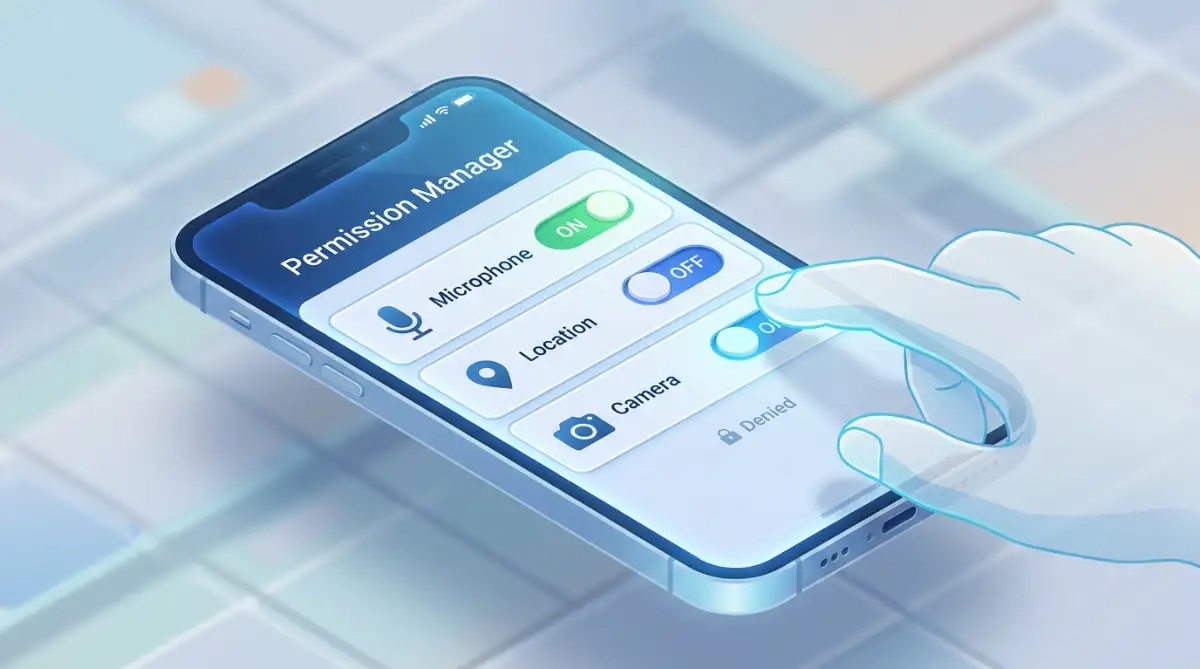
Start by going into your system settings and finding the "Privacy" or "Apps" section. Most modern phones provide a "Permission Manager" view. This is your best friend. It lists every permission category, like "Location," "Camera," or "Contacts," and shows you exactly how many apps have access to each. This view makes it incredibly easy to spot apps that have permissions they definitely should not have.
If you see a game or a utility app with access to your microphone or contacts, revoke it immediately. You don't need to worry about the app breaking. Most of the time, the app will continue to work perfectly fine. If a feature fails to load, the app will usually ask for the permission again, and you can decide right then if it is worth it.
|
Permission Type |
Risk Level |
Why It Matters |
|---|---|---|
|
Location (Always) |
High |
Allows an app to access your location even when you're not actively using it, potentially revealing patterns in your daily movements. |
|
Microphone |
High |
Allows an app to record audio when permission is granted and the relevant access conditions are met. Review which apps genuinely need microphone access. |
|
Contacts |
Medium |
May allow an app to access names, phone numbers, and other contact details, exposing information about people in your network. |
|
Storage / Files |
Medium |
Depending on the permission and operating system, an app may access selected files or broader file collections that could include private photos and sensitive documents. |
Why Background Tracking Is the Silent Data Thief
Many apps want to track your location constantly, even when you aren't using them. This is often labeled as "Allow Always" or "Background Access." This is rarely necessary for the average user. I realized that my maps app needed location access, but my coffee shop loyalty app definitely did not need to know where I was while I was at home sleeping.
Change these settings to "Allow only while using the app." This single change prevents the app from collecting data about your movements all day long. It also saves your battery life, which is a nice bonus. When you limit location access, you are not just stopping tracking; you are protecting your daily routine from being mapped and sold to advertisers.
Pro Tip: I once discovered that a simple photo collage app I hadn't used in months was still pulling my location data every hour. I was shocked. I deleted the app, but even if I had kept it, simply toggling that location permission off would have stopped the leak. Don't assume an app is dormant just because you aren't using it. Check those background settings.
The Reality of Microphones and Cameras
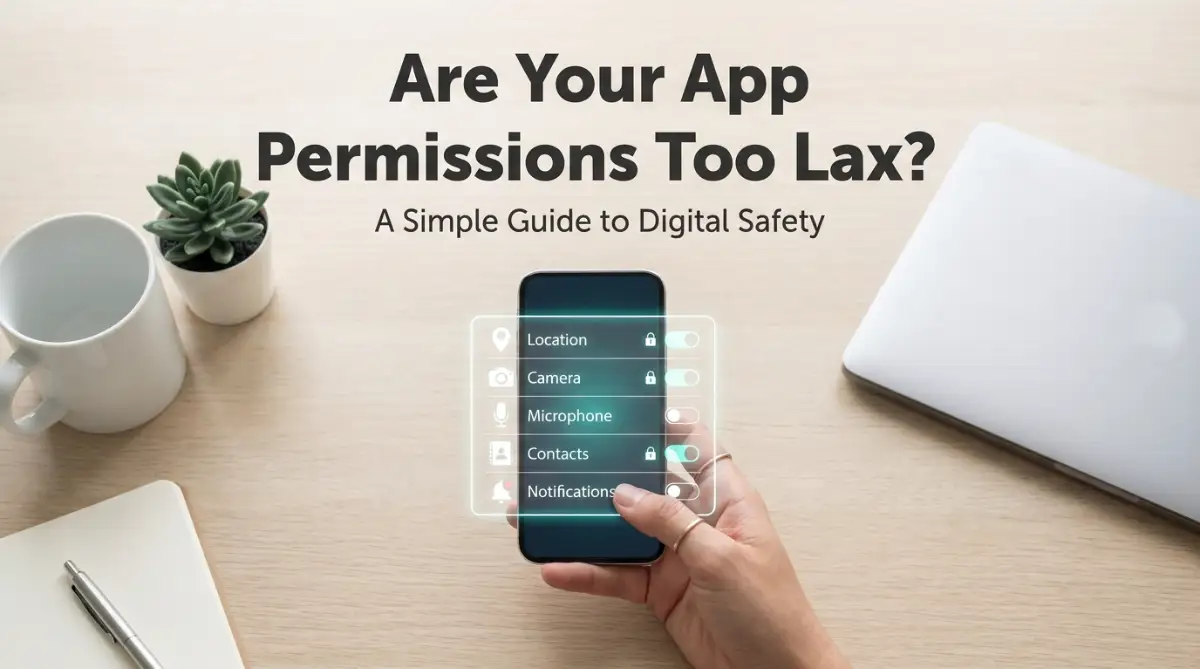
We often worry if our phones are "listening" to us to serve ads. While big tech companies often deny this, the sheer amount of data they collect makes it feel real. The best way to limit this risk is by being strict with your microphone and camera permissions.
Go through your app list and check every app that has access to these two features. If you are not actively using a video calling app or a social media camera, turn those permissions off. You can always turn them back on the moment you need to take a photo or hop on a call. This small extra step acts as a physical gate for your privacy. It keeps your device much tighter and more secure.
Watch the Video Below to Master Your Privacy Settings
Sometimes, seeing the steps in action is much easier than reading about them. This video breaks down the exact menus you need to navigate to lock down your smartphone's data flow. Watch this, and then take five minutes to apply the changes to your own phone.
If you want to see exactly how to lock down your phone's privacy settings in real-time, watch this short tutorial. I show you the exact menu paths to disable background tracking that most people miss.
Cleaning Up Your Digital Ecosystem
After you tackle the major permissions, look at your "Analytics" or "Usage Data" settings. Many apps have a default setting to share usage reports with developers. While this helps them improve the app, it also means your private usage habits are being sent to their servers.
Find the "Data Sharing" or "Usage Statistics" section in your phone's privacy settings and turn these off. Most of the time, you will not notice a change in the app's performance. It is just another layer of protection that keeps your data at home instead of in someone else's cloud.
The Periodic Audit Routine
One thing I learned the hard way is that privacy is not a "set it and forget it" task. Every time you update your phone or install a new app, there is a chance your settings could change. Make it a habit to check your permission manager once a month. It takes less time than browsing your social media feed.
Think of it like cleaning your house. You don't just clean it once and never again; you do regular maintenance to keep things orderly. Your digital life deserves the same level of care. By making this a part of your monthly routine, you ensure that no app sneaks in permissions you didn't intend to give.
The 30-Second Privacy Audit Checklist:
-
Step 1: Open 'Settings' and type 'Permissions' in the search bar.
-
Step 2: Click on 'Microphone'—uncheck any app that isn't a video call or recording tool.
-
Step 3: Click on 'Location'—switch everything to 'Only While Using' or 'Deny'.
-
Step 4: Look for 'Device Admin Apps'—if you don't recognize the app, remove it immediately.
Why Your Contacts List Is So Valuable
Apps often ask for contact access to "find friends" or "simplify sharing." But think about what they are really getting. They are getting a list of every person you know, their phone numbers, and their email addresses. This is valuable data for spammers and marketers.
Unless you are using an app that specifically requires you to communicate with those contacts, keep this permission turned off. If you do need to share something, most modern phones allow you to share a single contact without giving the app full access to your entire address book. Use that feature instead of the "Allow Access to Contacts" prompt.
Putting Your Privacy First
You are the owner of your data, and your phone is your personal property. You have every right to decide what information you share and with whom. Do not feel guilty about hitting "Deny" when an app asks for something it doesn't need. It is not rude; it is smart. It is how you stay in control of your digital life.
By taking these small, actionable steps, you are doing more than just changing a few toggles. You are changing your relationship with technology. You are moving from a passive user to an active owner. This shift makes all the difference in the world when it comes to feeling safe, secure, and at peace with the technology in your pocket.
Remember, the goal isn't to stop using your phone. The goal is to use it on your own terms. Take the time to audit your settings this week. You will be surprised by how much power you regain when you simply say "no" to the apps that ask for too much. Your data is your business, and it is time to treat it that way.
Quick Privacy Cheat Sheet
- Audit Regularly: Check your permission dashboard at least once a month.
- Permission Mapping: Use the risk table above to decide which apps truly need access.
- Uninstall Unused: If you haven't opened an app in 30 days, delete it—it is likely tracking you for no reason.
- Restrict Background Access: Set location permissions to "Only While Using" to stop constant tracking.
Going Beyond the Basics: Mastering Advanced Privacy Control
You have already taken the first step by auditing your active apps. Now, let’s talk about keeping that security tight for the long haul. Most people treat their phone security like a one-time project, but your device is a living, breathing tool that changes every time you update it. To stay ahead, you need to think like a digital minimalist.
One of my favorite advanced tricks is using the "Privacy Dashboard" built into modern operating systems. If you have not explored this, you are missing out on a goldmine of data. It shows you a timeline of exactly which apps accessed your camera, microphone, or location in the last twenty-four hours. Seeing a list of apps you haven't opened in days accessing your hardware is a wake-up call. If you are serious about why you should stop granting unnecessary permissions to newly installed Android apps, this dashboard is where you should spend your time.
Another pro-level secret is to clear the cache and data of apps that you rarely use but want to keep installed. Many apps store temporary files that include your local data, which can be scraped if the app is compromised. Go into your app settings, choose "Storage," and hit "Clear Cache." It keeps your phone running faster and lowers your data footprint. You can even access Android developer mode to speed up your phone instantly, which often lets you see background processes that might be eating your resources without permission.
Let’s talk about your connection itself. A common oversight is assuming your home Wi-Fi is a safe bubble. Your phone talks to apps, and those apps talk to servers, often without your knowledge. I strongly suggest you look into the home network security guide to protect your privacy at home. When your phone is on a secure network, it is harder for malicious apps to send your data back to their headquarters.
Finally, think about your backup routine. If you ever have to factory reset your phone because of a security breach, you need to know your data is safe elsewhere. It is not just about losing photos; it is about losing your accounts and configurations. Always prioritize the truth about data loss and how automatic backups save your business or personal life. Having a clean, encrypted backup means you can wipe your phone and start fresh whenever you suspect something is wrong.
One specific habit I developed was checking the "Device Admin" apps list. You can find this in your security settings. These are apps that have "god-mode" over your phone. They can lock your screen, change your password, and even erase your data. I only keep "Find My Device" on this list. Anything else, like a random game or scanner, gets removed instantly. This single setting prevents many malicious apps from ever taking over your system.
Traps You Might Fall Into (The Common Mistakes)
It is easy to get overconfident after securing a few apps. You might start thinking you are invincible. That is exactly when security gaps start to form. The most common mistake I see people make is "permission creep." This happens when you install an app, and it seems fine, so you grant it everything it asks for. Then, the developer pushes an update, and the app demands more permissions later on. You forget to check