
The Hidden Cost of Doing Things the Hard Way
You sit down at your desk, ready to tackle your to-do list, and suddenly, three hours vanish into a black hole of copy-pasting and status reports. If you feel like your potential is being drained by tasks a machine could do in seconds, you aren't failing—your process is just stuck in the past. It's time to stop the daily grind and start letting technology do the heavy lifting for you.
The Smart Workflow Blueprint
Before you read on, keep these 3 rules in mind:
- Stop the Grunt Work: If you do it twice, find a way to automate it.
- Don't Overcomplicate: Start with simple "If-This-Then-That" tasks.
- Human Touch First: Only automate the boring parts; keep your client communication personal.
- Check Your Health: Fast automation needs a fast computer—don't let background junk slow you down.
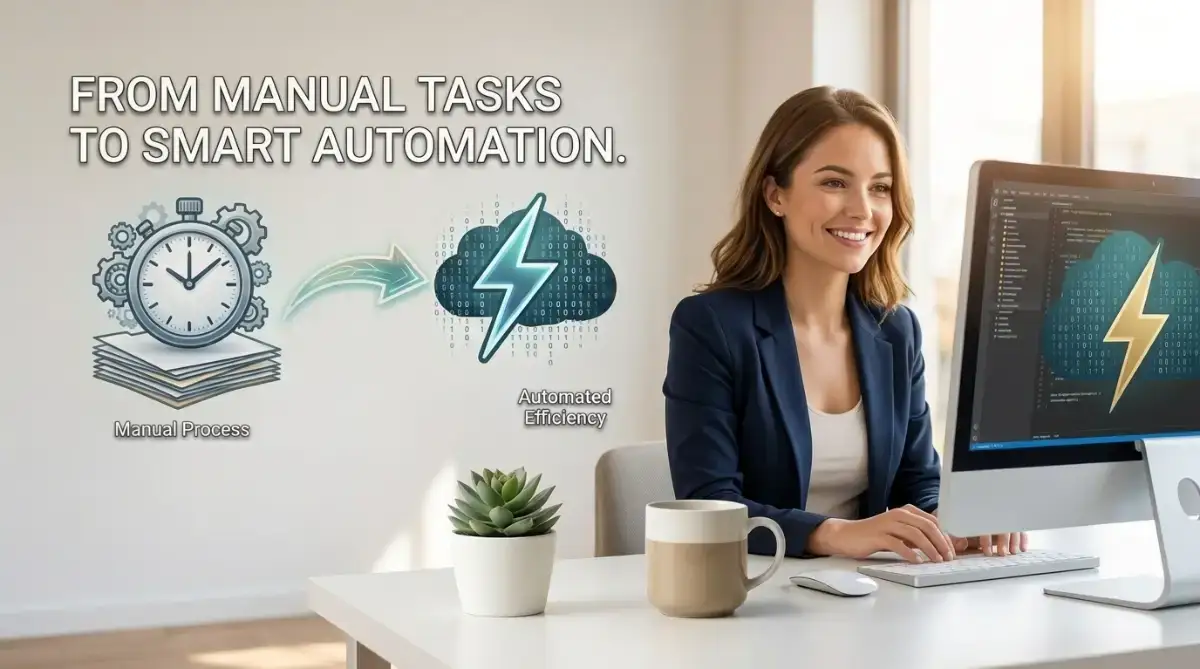
Rethinking Your Daily Workflow
The biggest barrier to efficiency is the belief that "this is just how things are done." We often cling to manual methods because they feel safe and familiar, even when they actively slow us down.
To bridge the gap between where you are and where you want to be, you must first reframe your relationship with technology. It is not about replacing your effort; it is about scaling your impact.
Start with Small, High-Impact Wins
You do not need to be a software engineer to begin. Start by identifying the three most repetitive tasks you perform every single day.
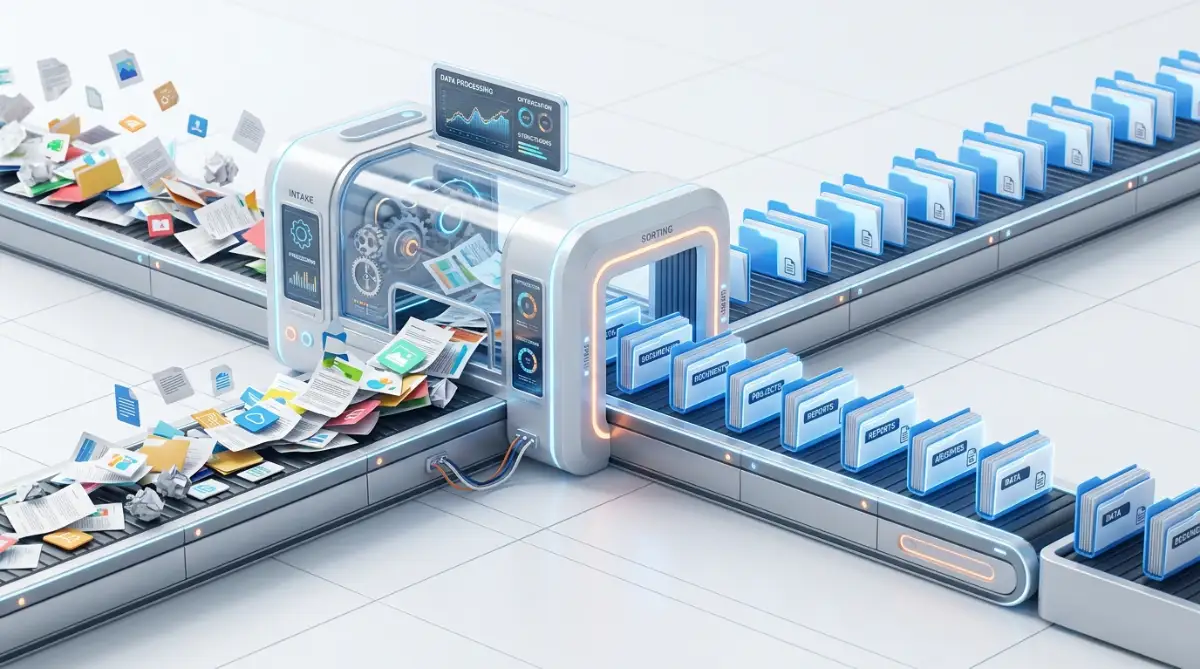
Are you copying and pasting data between apps? Are you manually sending the same status emails? These are your primary targets. By focusing on these small, recurring chores, you can reclaim hours of your week without learning complex code.
The Power of Rule-Based Thinking
Automation is essentially a set of "If-This-Then-That" instructions. When you look at your daily work, ask yourself if the task follows a predictable pattern. If it does, a simple tool can handle it for you. Learning to map out your tasks this way builds a foundation for critical thinking that is highly valued in any modern organization.
Essential Tools for the Modern Office
You don't need a massive budget or a complex IT department to get started. Look for no-code platforms that allow you to connect your current applications. Many of the tools you already use—email, spreadsheets, and calendar apps—have built-in automation features that are currently sitting idle. Exploring these settings is often the first step in turning a "manual grind" into a "smart workflow."
Practical Steps to Start Automating
- Audit Your Time: Track your tasks for three days to see exactly where your time goes.
- Choose One Task: Pick a simple, low-risk task to automate first to build your confidence.
- Test and Refine: Automation is iterative. If the first attempt is not perfect, tweak your instructions until it works seamlessly.
- Share Your Success: Once you save time, show your team how you did it to encourage a culture of efficiency.
Why This Matters for Your Career
The workplace is changing, and simply working hard is not always enough anymore. Employers also value people who can spot problems, find better ways to do things, and make their day-to-day work more efficient.
You do not need to be a technology expert to stand out in this area. Even something as simple as automating a repetitive task or improving the way you organize your work can show that you are willing to take initiative. It tells employers that you are not just completing tasks—you are thinking about how those tasks could be done better.
These skills can become especially useful as your career grows. The more comfortable you become with using technology to handle routine work, the more time you can spend on tasks that require judgment, creativity, communication, and problem-solving.
The goal is not to automate every part of your job. It is to use technology where it genuinely makes your work easier, while keeping the parts that benefit from human judgment and personal attention.
Technology works best when it supports your work rather than taking over it. Start
Scaling Your Efficiency Beyond the Basics
Once you have mastered the initial setup of your office automation, you will start to see the "hidden hours" reappearing in your day. However, true proficiency comes when you stop thinking about individual tasks and start designing integrated workflows.
Thinking in Systems, Not Tasks
The most successful professionals view their daily routine as a series of connected pipelines. Instead of just setting up an email auto-reply, consider how information flows from a lead form into your CRM, and then triggers a personalized follow-up message.
When you create these linked digital systems, you reduce the chance of manual error to almost zero. This level of precision is what sets top-tier performers apart from those who merely "get things done."
The Art of Iterative Improvement
Automation is never a "set it and forget it" project. You must return to your workflows periodically to ensure they still serve your current needs.
As your responsibilities grow, you might need to adjust your proven frameworks to fine-tune digital outputs to maintain quality. Treating your workflow like a living project ensures that you are always operating at maximum capacity.
My Personal "Efficiency Audit" Checklist:
Before you automate, run this quick check to see if the task is worth it:
- Repetition: Do I do this exact same thing more than 3 times a week?
- Predictability: Can I explain the steps to a child? (If yes, a bot can do it).
- High Cost: Is this task boring enough that I often make mistakes doing it?
Managing System Resource Health

Often, we forget that our digital tools rely on the health of our hardware. If your computer is bogged down by background processes, even the best automation tools will lag.
It is important to fix Windows lag by managing hidden background processes regularly. Keeping your digital environment clean is just as important as the code you write to automate your work.
Staying Consistent with Data Integrity
Automation is only as good as the data you feed into it. If your inputs are messy, your outputs will be as well.
Always take a moment to standardize your file naming conventions and data entry formats before hooking them into an automated system. This simple habit saves you from hours of troubleshooting later down the line.
The Dangers of Over-Automating
Automation is useful, especially when you are dealing with repetitive tasks that take up a lot of your time. But there is a point where automating too much can create new problems instead of solving them. One of the biggest concerns is losing the human side of your communication.
Think about the emails and messages you receive every day. You can usually tell when someone has taken the time to write a genuine response and when you are simply receiving an automated message. If every interaction with a client or colleague follows the same pattern, your communication can quickly start to feel cold and impersonal.
That does not mean automation should be avoided. It simply means that some conversations still need a human review. Taking a few extra moments to personalize a message, add some context, or respond to a specific concern can make a noticeable difference.
Being efficient is important, but efficiency should not come at the expense of trust. In many professional relationships, people value feeling heard and understood more than receiving an instant response. The best approach is often to let automation handle the routine work while keeping the important conversations human.
Ignoring the "Exception" Rule
Another trap is failing to build in a manual override. What happens when a scenario falls outside the standard pattern?
If your systems are too rigid, they will break or produce errors as soon as they encounter something unusual. Always keep a safety valve in your workflow—a way for you to step in and handle unique cases manually.
The Maintenance Debt
Every tool you hook into your workflow needs care. If you build dozens of tiny automated sequences, you may eventually find yourself spending more time "fixing" your automation than actually doing the work.
Avoid this by keeping your setup as simple as possible. Only automate the tasks that are truly repetitive and time-consuming.
Neglecting Security
When you link different software tools together, you are often moving sensitive information across platforms. Always verify the privacy settings of the tools you use.
According to guidelines from national cybersecurity centers, keeping your connections limited to trusted apps is the best way to prevent unauthorized access. Never give automation software more permission than it absolutely needs to do its job.
Your Path to a Smoother Professional Life
You are now equipped with the knowledge to reshape your workday. The gap between a high-achiever and everyone else is often just the result of better habits, not more hours at the desk.
Start by auditing your tasks this week. Pick one process that frustrates you, simplify it, and let technology handle the repetition.
Why You Should Start Today
Every hour you reclaim is an hour you can spend on strategic thinking or professional development. Small, consistent changes eventually lead to a total transformation of your career trajectory.
You have the tools. You have the strategy. Now, you simply need the commitment to execute.
Final Checklist for Your Success:
- Audit: Identify your top three "time-drainer" tasks.
- Simplify: Remove unnecessary steps before automating.
- Secure: Only connect tools that you trust with your data.
- Review: Check your automated workflows once a month for efficiency.
You are the architect of your own productivity. By mastering these basic tools, you are building a future where your output is higher, your stress is lower, and your impact is much greater.
Disclaimer: This content is for informational purposes only. While we aim to provide accurate and helpful guidance, all professional tools and software settings should be reviewed against your specific organizational policies and local data protection regulations before implementation.