The Moment My Balance Almost Vanished
You think your bank account is safe because you have a complex password, but that is rarely enough to stop modern automated threats. Banking security isn't just about the technology your bank uses; it is about the daily habits you follow that either close the door on hackers or leave it wide open. If you want to stop worrying about your balance and start trusting your digital habits, you need a different approach. Let’s look at how to build a real digital fortress.
I spent the next three hours on the phone with my bank’s fraud department. The representative was calm, but their questions made me realize how little I actually knew about the holes in my own security. I had been using the same password for everything for years. I had ignored those "enable 2FA" prompts because they seemed like a hassle. In that moment, I realized my bank account wasn't a fortress; it was a house with the front door left wide open.
That experience changed the way I interact with technology. I started looking at my digital life as a collection of assets that needed protecting. It wasn't about being paranoid; it was about being responsible. We entrust our hard-earned money to these digital systems, but we often fail to provide the basic safety measures required to keep them secure. It is a scary reality, but it is one we can control if we just stop and look at our habits.
The mental stress of wondering if your money is safe is something you don't realize you’re carrying until it’s gone. You check your phone constantly. You feel jittery every time you get an email from your bank. You start to lose trust in the very tools that are supposed to make your life easier. This doesn't have to be your life. You can build your own digital fortress, starting with small, manageable shifts in how you handle your logins and data.
The Secure Banking Blueprint
- Password Managers: Stop memorizing; use an encrypted vault to generate complex, unique codes.
- MFA is Mandatory: Never rely on passwords alone; always use an authenticator app.
- Network Safety: Avoid public Wi-Fi for banking; your cellular data is your safest connection.
- Alerts are Protection: Set up instant notifications so you know the second your money moves.
The Anatomy of Modern Banking Vulnerabilities
Most of us think that hackers are these geniuses in dark rooms typing code into a green screen. In reality, most banking breaches happen because of something much simpler: human error. We make it easy for them. We reuse passwords, we click on suspicious links, and we use public Wi-Fi to check our balances. We are basically inviting them in.
The Myth of "I'm Too Small to Target"
Many people believe that hackers only go after millionaires or big corporations. This is a dangerous way to think. Automated bots don't care who you are. They scan the internet for weak passwords, leaked data, and unsecured accounts. If you have five hundred dollars in your account, that is five hundred dollars they can steal with zero effort. You are not "too small"; you are just "easy to find."
Why Passwords Are Your Weakest Link
If your password is "password123" or your pet's name, you are already behind. Modern hackers use software that can guess these combinations in milliseconds. They also buy lists of leaked passwords from other websites on the dark web. If you use the same password for your banking as you do for that random cooking blog you signed up for in 2012, and that blog gets hacked, the bad guys now have your banking password too.
The Network Trap
Checking your bank account while sitting at a coffee shop using their free Wi-Fi is a classic mistake. Open networks are notorious for "man-in-the-middle" attacks. Someone sitting at the next table could be using a simple device to intercept the data traveling between your phone and the router. It takes them seconds to capture your login credentials if you aren't using a secure connection.
If you feel uneasy, check for these 3 Red Flags before you log in:
- Does the URL start with 'https' and have a lock icon?
- Is the browser asking to 'save' a password you didn't just type?
- Did you get a random verification code when you weren't trying to log in?
- If any of these happen, stop and close the page immediately."
Building Your Digital Defense System
You don't need a degree in computer science to protect your assets. You just need to follow a few rules that act as barriers. Think of these as layers. If one layer fails, the next one is there to catch the threat.
| Your Security Check-up | Action to Take |
| :--- | :--- |
| Last Password Change | Change every 6 months if not using a manager |
| Authenticator Apps | Switch from SMS (Text) to an App (Google/Authy) |
| Trusted Devices | Remove any phone/laptop you don't use anymore |
| Real-time Alerts | Turn on alerts for transactions over $1 |
Step 1: The Password Manager Revolution
Stop trying to memorize your passwords. It is impossible to remember a truly secure, unique password for every single account you own. Use a reputable password manager. These tools create complex, random strings of characters for you and store them in an encrypted vault. You only need to remember one strong "master" password to open the vault. This simple change alone puts you ahead of ninety percent of the population.
Step 2: Multi-Factor Authentication (MFA)
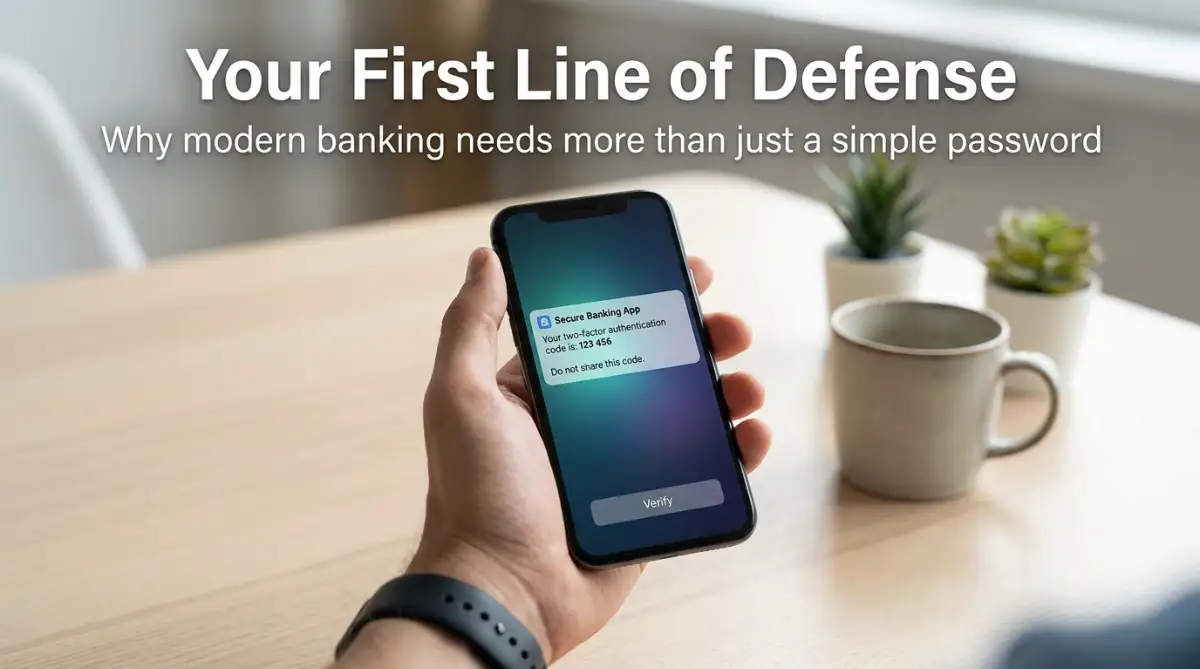
If your bank offers MFA, turn it on immediately. This is the single most effective tool you have. Even if a hacker manages to steal your password, they won't be able to get into your account because they don't have your phone or your security key. Don't rely on SMS codes if you can avoid them, as they can be intercepted. Use an authenticator app whenever possible.
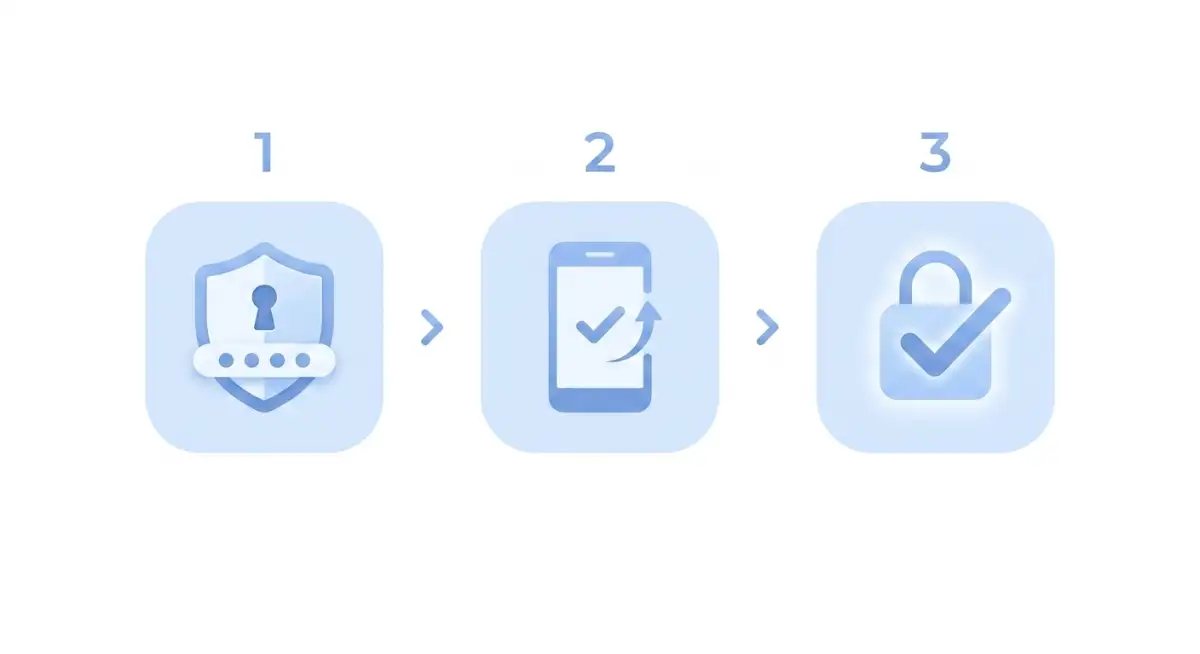
Step 3: Regular Security Audits
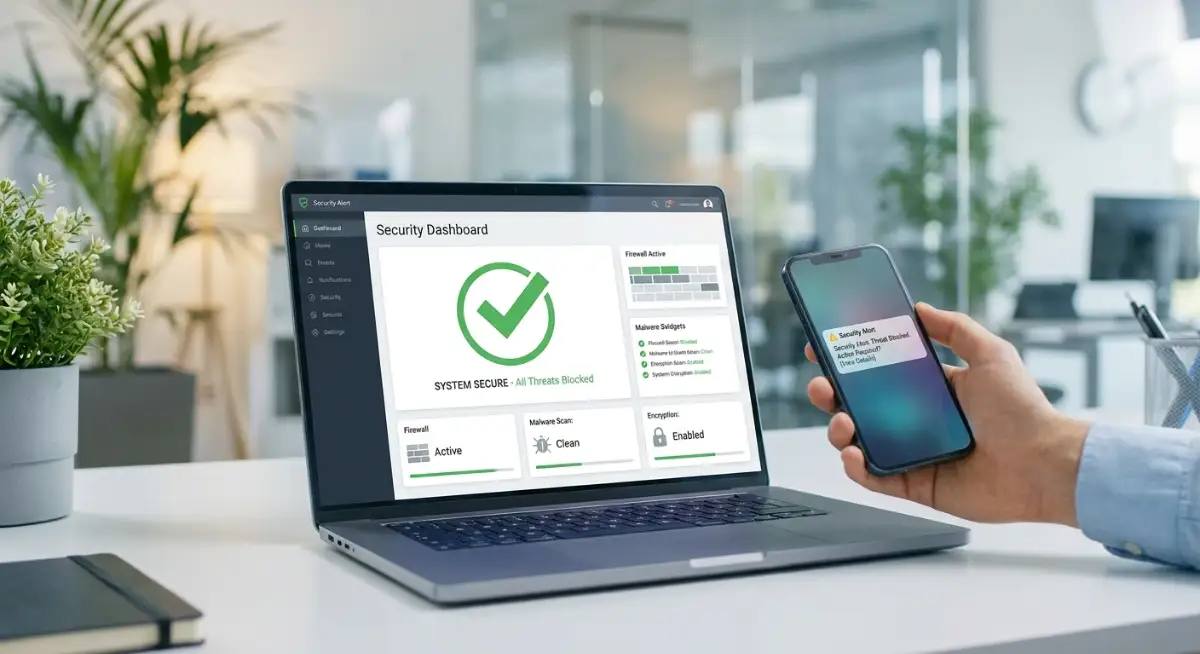
Once a month, take ten minutes to go through your banking profile. Check your "trusted devices" list. Is your old tablet from three years ago still logged in? Remove it. Check your recent login history. Do you see any logins from a city you haven't visited? Flag it with your bank immediately. Being proactive is how you catch problems before they drain your account.
Step 4: The Network Lockdown
Never, ever log into your bank using public Wi-Fi. If you absolutely have to check your balance on the go, use your cellular data. It is much harder to intercept. If you are at home, make sure your router is secured with a strong password and that you have a guest network enabled for any visitors. Don't let your smart fridge or your smart lights be the weak link that lets hackers into your primary network.
The Pro Tip: My Realization on Alerts
For the longest time, I thought bank alerts were annoying. I would turn them off because I didn't want my phone buzzing every time I bought lunch. Then I changed my settings. I set up real-time alerts for every single transaction over one dollar. Now, if I swipe my card, my phone pings immediately. If I get an alert and I didn't swipe anything, I know I have a problem within seconds. It’s the ultimate peace of mind. Don't find them annoying; find them protective.
Want to see how the experts handle online security and protect their personal assets? Watch this guide to learn more.
Many people think that security is a "set it and forget it" task. But the digital world changes fast. New threats emerge, and new tools become available. You need to treat your security habits like you treat your health—something you need to check on periodically. Don't wait for a hack to wake you up. Start these habits today, and you will sleep much better tonight knowing your fortress is locked down tight.
Pro-Level Habits for Banking Security
Once you have the basics of strong passwords and two-factor authentication set up, you might feel like your work is done. But hackers are constantly shifting their tactics, so you need to stay a few steps ahead. It is not about living in fear; it is about building habits that become second nature. Think of this as putting an advanced alarm system on your digital home.
Biometric Security is Your New Best Friend
Passwords can be guessed or stolen, but your fingerprint or facial scan is much harder to replicate. Most modern banking apps now support biometric login. You should enable this immediately. It adds a physical layer of security that exists only on your device.
If you want to read more about maintaining digital hygiene, the Federal Trade Commission offers great advice on how to keep your personal data from being exposed. It is often the small, mundane leaks that lead to the biggest problems later. By locking your device with biometrics, you ensure that even if someone steals your phone, they can't access your accounts.
Audit Your App Permissions
We often download apps for banking or finance and just hit "Allow" on every permission request. Does your budget app really need access to your contacts or your location history? Probably not. You should regularly review what your phone is telling your apps. Check out my guide on why you should stop granting unnecessary permissions to newly installed android apps to see how much data you are leaking without even knowing it.
Keep Your Software Like New
This sounds boring, but it is one of the most effective things you can do. Every time your phone or laptop asks to update its operating system, it is likely patching a hole that hackers could use. If you ignore those updates, you are leaving your back door unlocked. Set your devices to update automatically while you sleep. It is the easiest form of security you will ever have.
The Phishing Awareness Mindset
Phishing has moved beyond those obvious emails about "prince inheritances" from overseas. Today, hackers send texts that look exactly like your bank’s official alerts. They might say, "Your account is locked, click here to verify." Never click those links. If you get a text or email that stresses you out, go directly to your bank's website or app by typing the address yourself.
If you are ever unsure if a communication is real, you can cross-reference it with guidelines on how to spot online scams from the FBI. Taking an extra minute to verify the source can stop a disaster before it starts. This habit of skepticism is the most powerful tool in your security belt.
Understanding Your Liability
You should know what your protection looks like if the worst happens. Many people find themselves in stressful situations because they didn't know the rules regarding unauthorized charges. It is similar to why home insurance companies deny claims; if you don't understand the policy terms, you might be stuck without support when you need it most. Check your bank's terms of service regarding fraud coverage.
Why Multi-Factor Authentication Matters
The Cybersecurity and Infrastructure Security Agency notes that having MFA can stop the vast majority of unauthorized login attempts. If you are not using it, you are making the hacker's job incredibly easy. It is a minor inconvenience for a massive boost in peace of mind. If you haven't set it up for every banking account yet, do it the moment you finish reading this.
Pitfalls That Trip Up Even Smart Professionals
Even the most tech-savvy people I know have fallen into traps because they got too comfortable. It is easy to think, "I am smart, I won't get tricked." But hackers count on your confidence. They want you to feel invincible.
The Danger of Shared Passwords
Never share your banking login with family members, even if you trust them completely. If your account is compromised, the bank needs to know who had access. If you have shared credentials, you are complicating the investigation process. Plus, if someone else accidentally leaves a device logged in somewhere else, you are the one at risk. Keep your access to yourself.
Falling for the "Urgency" Trick
Hackers love to create a fake sense of panic. They want you to feel like you have to act right now or you will lose your money. They might say, "Suspicious activity detected, verify your account now." The moment you feel that rush of adrenaline, stop. That is a red flag. Banks rarely demand immediate action through a text link. Take a breath and log in the long way.
Storing Credentials in Plain Sight
Do not keep a document on your computer titled "Passwords" or save your login info in a web browser that isn't encrypted. If someone gets access to your computer, they have a key to your entire life. Use a dedicated, encrypted password manager instead. It is much harder to crack than a simple sticky note or a plain text file.
Ignoring the Fine Print
I see so many people focus only on the interest rates, but they ignore the security protections offered by their financial products. When you are looking at your financial setup, make sure you understand the small details. It is like understanding the gap between deductibles and out-of-pocket limits in insurance. If you ignore the technical terms, you might not know what to do when an error occurs.
Mixing Business and Personal Security
If you do any freelance or business work on the side, keep those finances separate. If your personal email is compromised, you don't want your business assets linked to the same account. Hackers love to target people who mix their personal and business finances because one breach can take down everything.
Underestimating the Power of the "Forgot Password" Feature
This is a weird one, but think about your security questions. If your security question is "What is my mother's maiden name?", that info is easy to find on social media. If you must use security questions, treat them like passwords. Don't use the real answer. Use a made-up answer that you have saved in your secure password vault.
Your Path to a Secure Digital Future
Protecting your banking assets is not about being a tech expert. It is about being deliberate. You have the power to create a system that keeps your hard-earned money safe while you focus on living your life.
Action Plan for Tomorrow
- Switch to an authenticator app: Move away from SMS-based codes if your bank allows it.
- Audit your devices: Log out of any devices you no longer use regularly.
- Review your alerts: Make sure you are getting notifications for every transaction, no matter how small.
- Update your manager: If you haven't updated your master password in a while, change it today.
I have found that the more I practice these habits, the less I worry. My banking apps feel like tools I control, rather than sources of stress. You can get to this point too. It takes a little bit of time upfront, but the payoff is the confidence that your assets are protected.
I want you to feel that same security. You are building a digital fortress, and every habit you adopt makes it stronger. Start with one thing today. You don't have to change everything at once. Small, consistent steps will keep you and your money safe for a long time. You are more than capable of handling this.
Common Questions About Digital Banking Safety
Is it safe to save my credit card info in my web browser?
Generally, no. Browsers can be vulnerable, and if someone gains access to your computer, they can easily view your saved cards. It is much safer to use a dedicated, encrypted password manager or a secure digital wallet app that requires biometric verification to access your card details.
What should I do if I suspect my banking account is hacked?
First, change your banking password immediately from a secure, clean device. Then, call your bank's fraud department right away to freeze the account. They have specific protocols to help you secure the funds and review any unauthorized transactions.
Are banking apps safer than logging in through a web browser?
In many cases, yes. Apps are often designed with more specific security features, such as biometrics and device-bound encryption, which are harder for hackers to spoof compared to standard web logins. Just ensure you are downloading the app from the official store provided by your bank.
How often should I change my banking password?
You don't need to change it constantly if your password is strong and you use MFA. However, if there is a known data breach on any site you use, you should change your banking password immediately, just to be safe. It is also good practice to perform a checkup on your login credentials once or twice a year.
Disclaimer: This content is for educational purposes only and does not constitute financial or professional security advice. I am not a cybersecurity expert. All financial and digital security decisions involve risk, and you should perform your own research or consult with a qualified professional before making any security choices based on your specific situation.